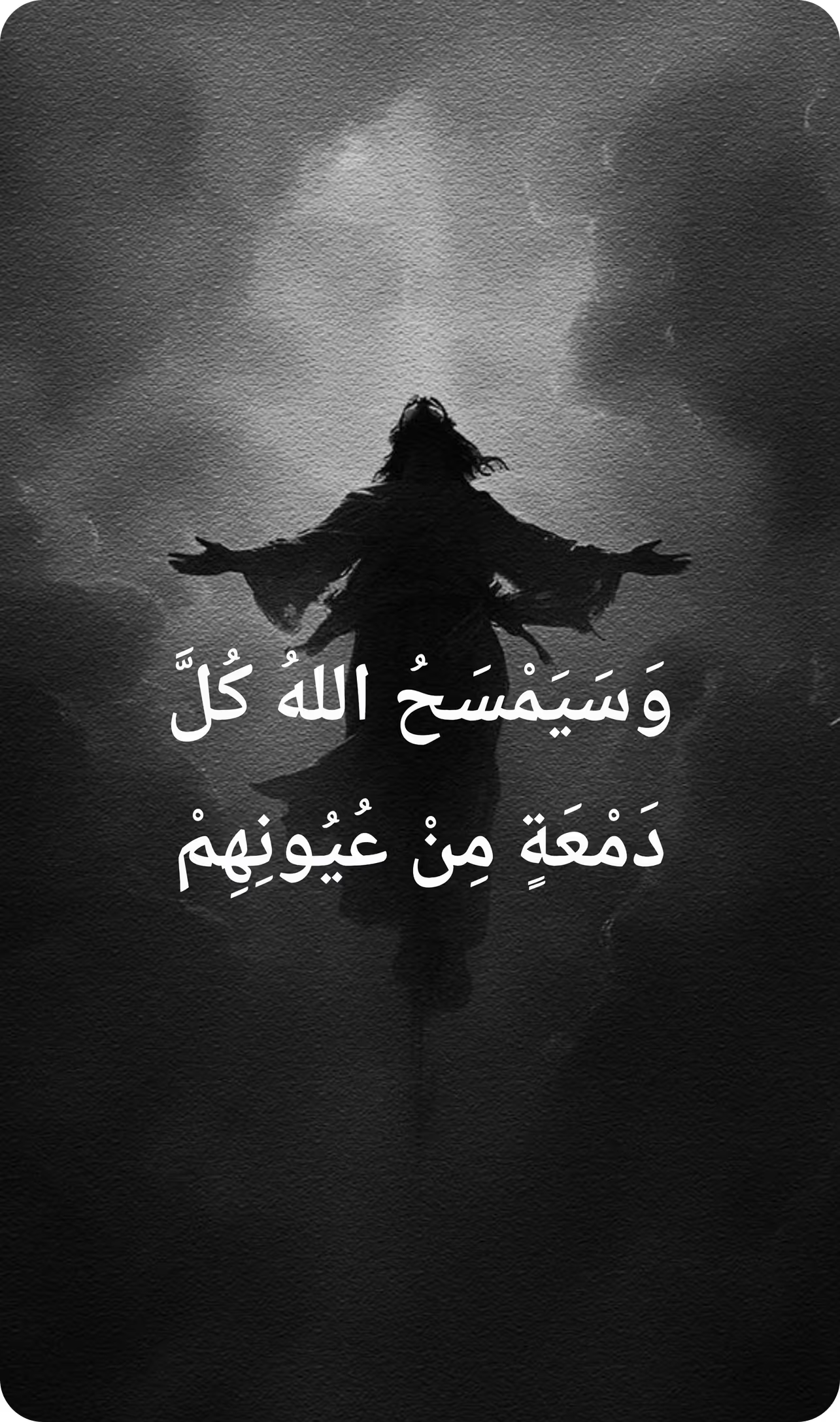
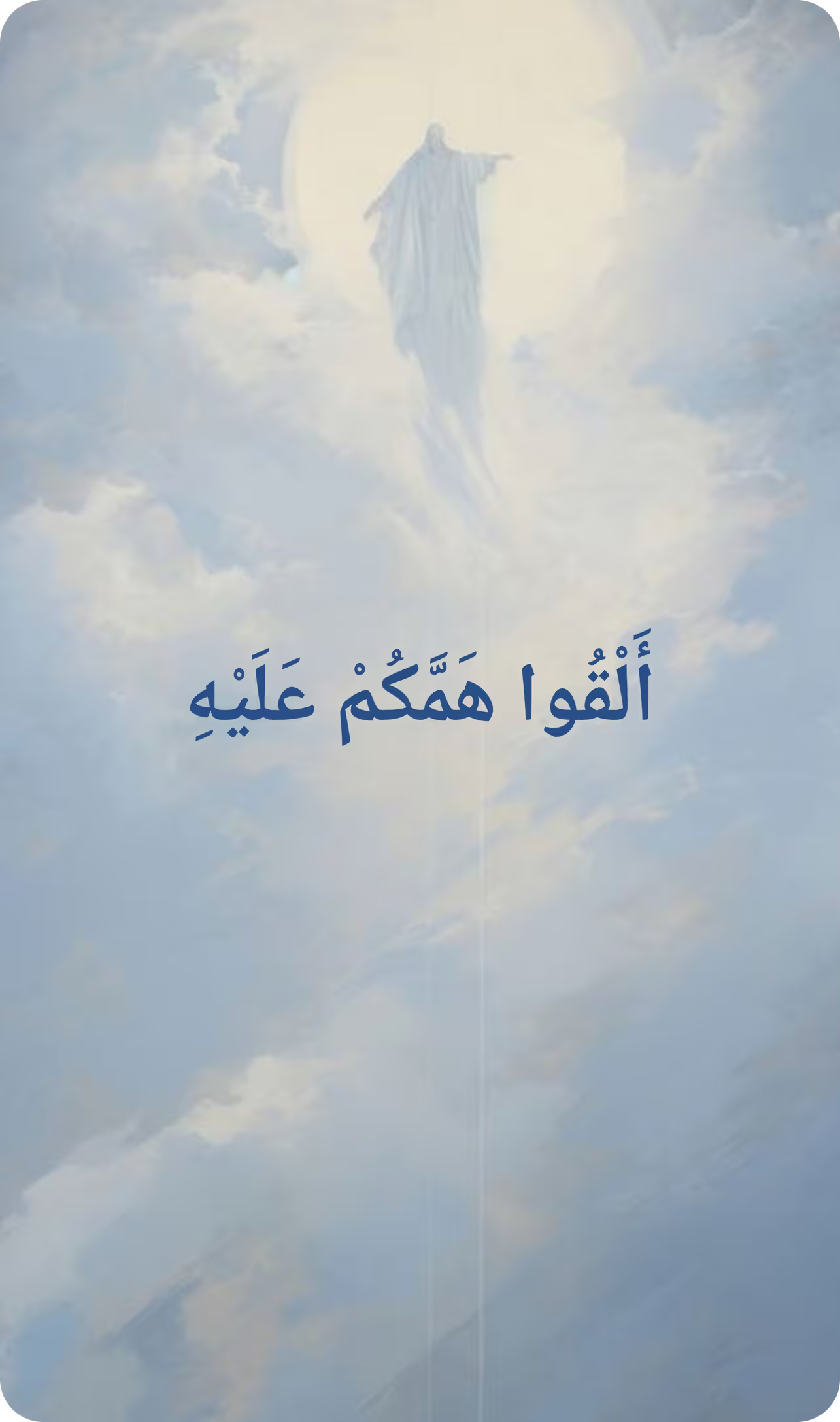
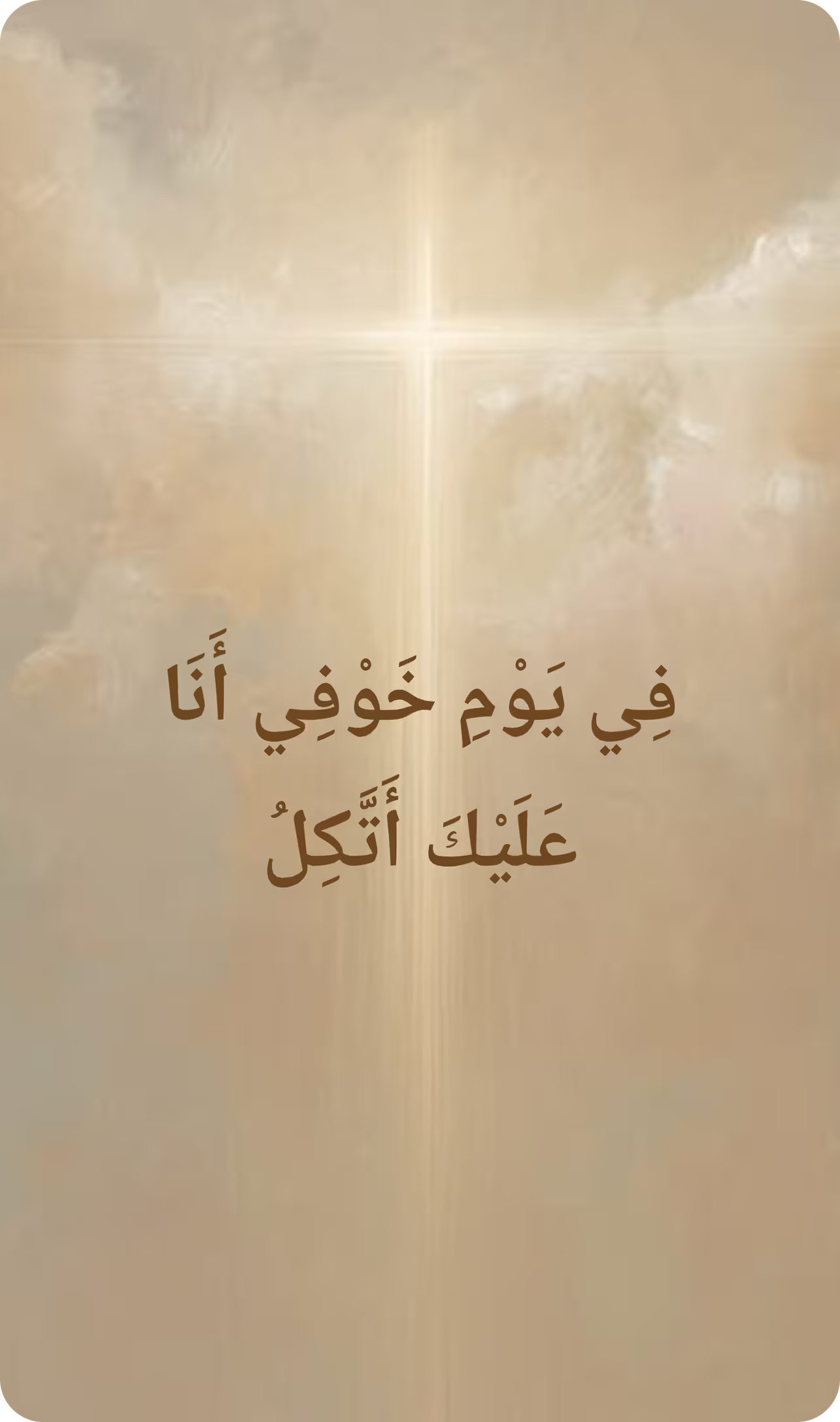
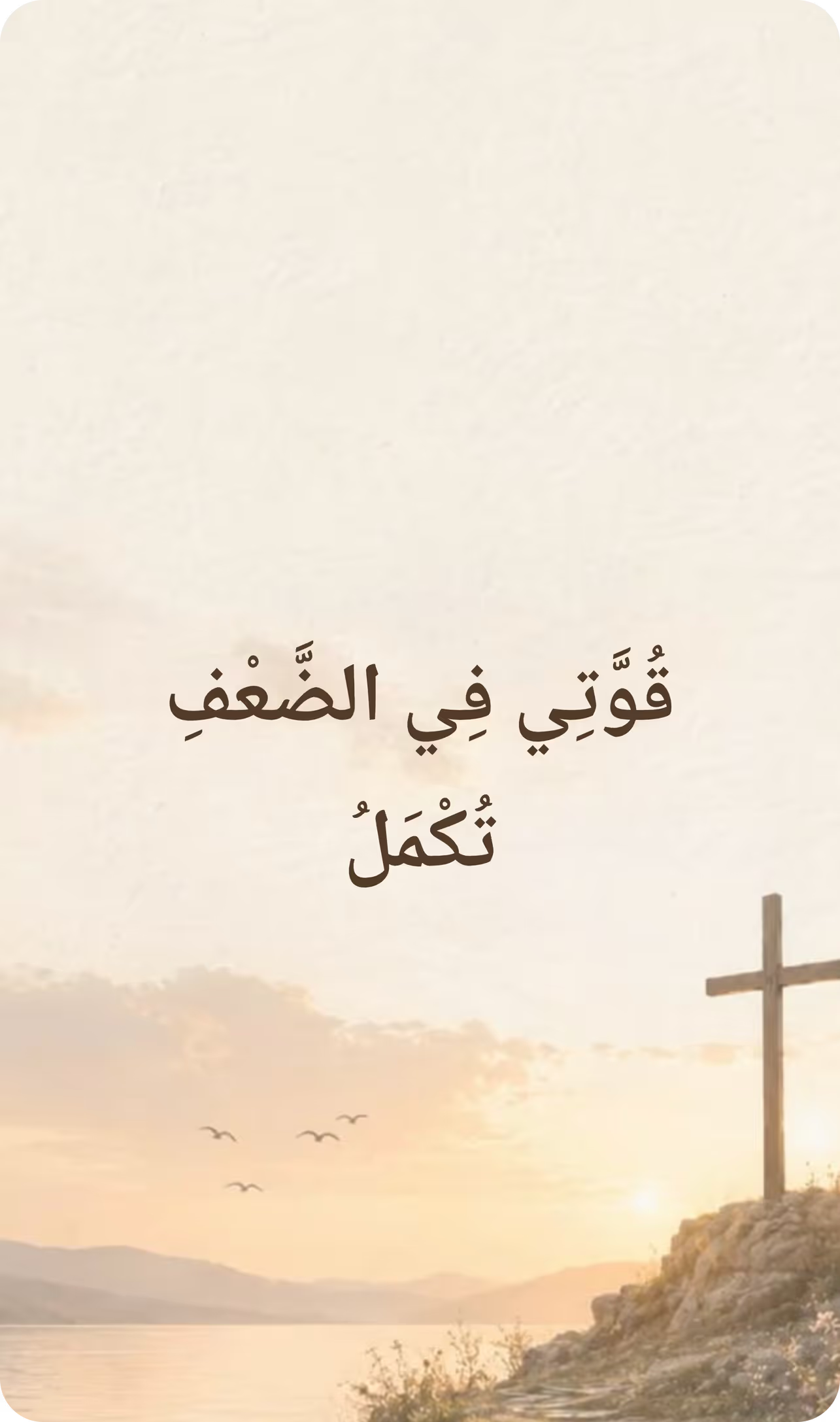
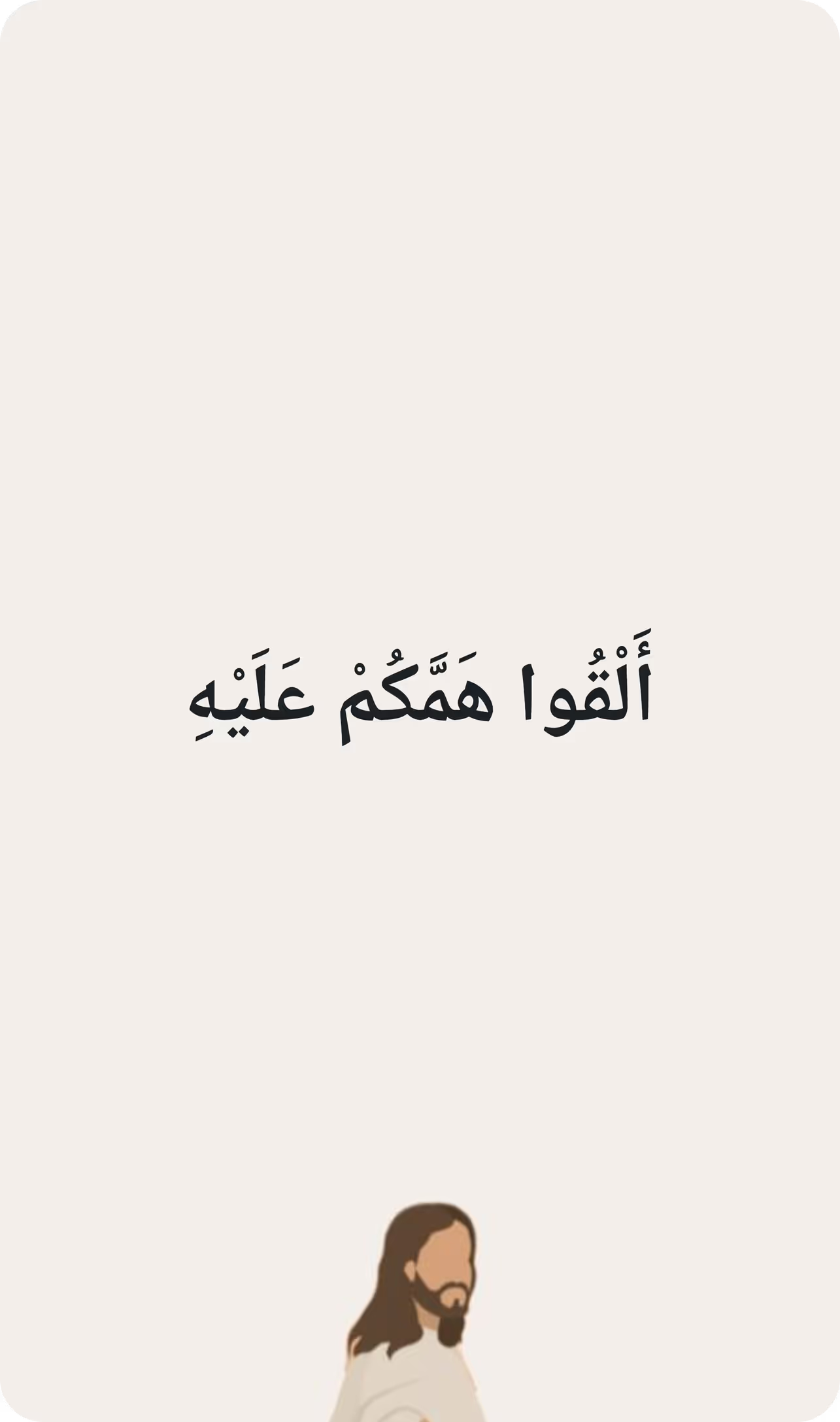
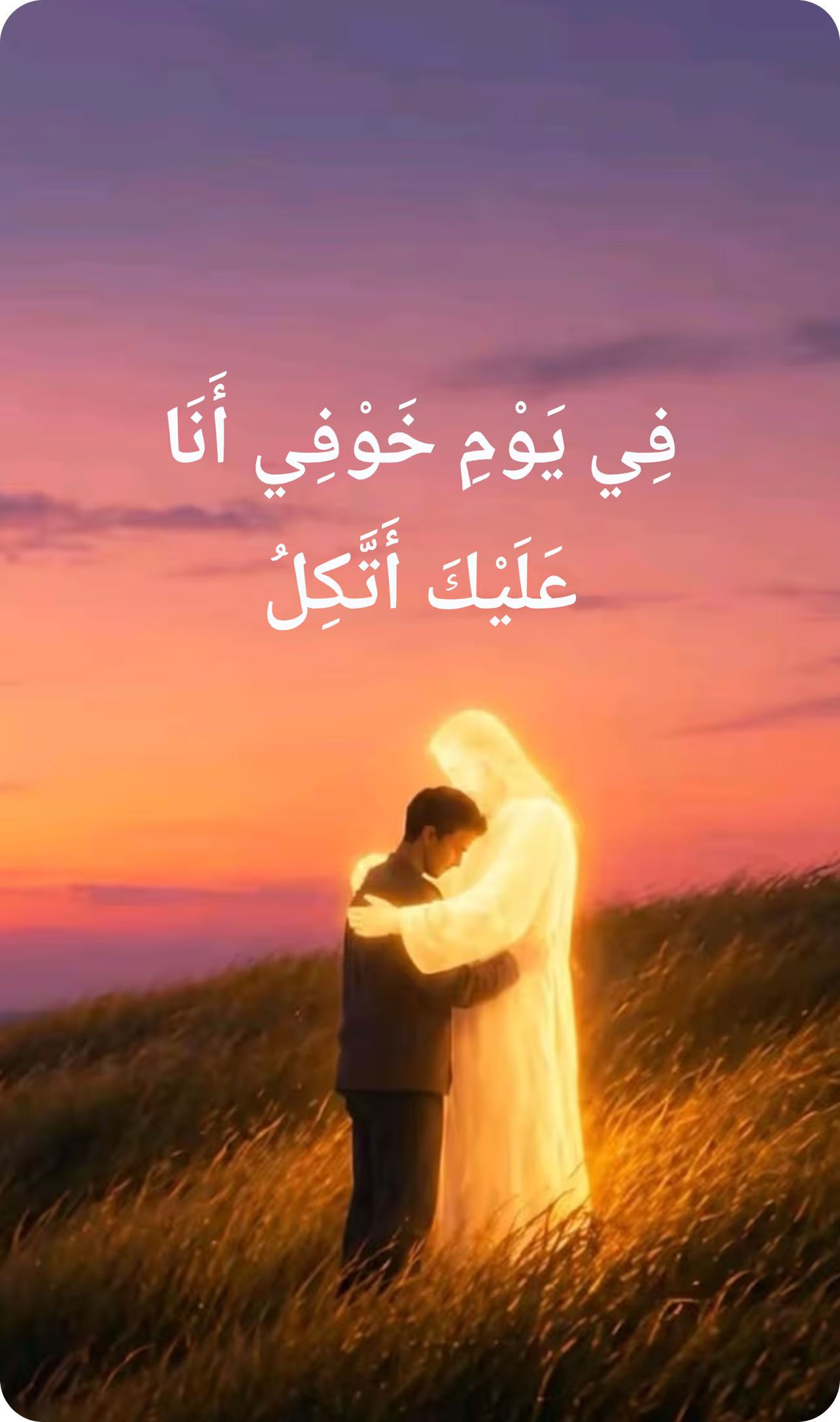
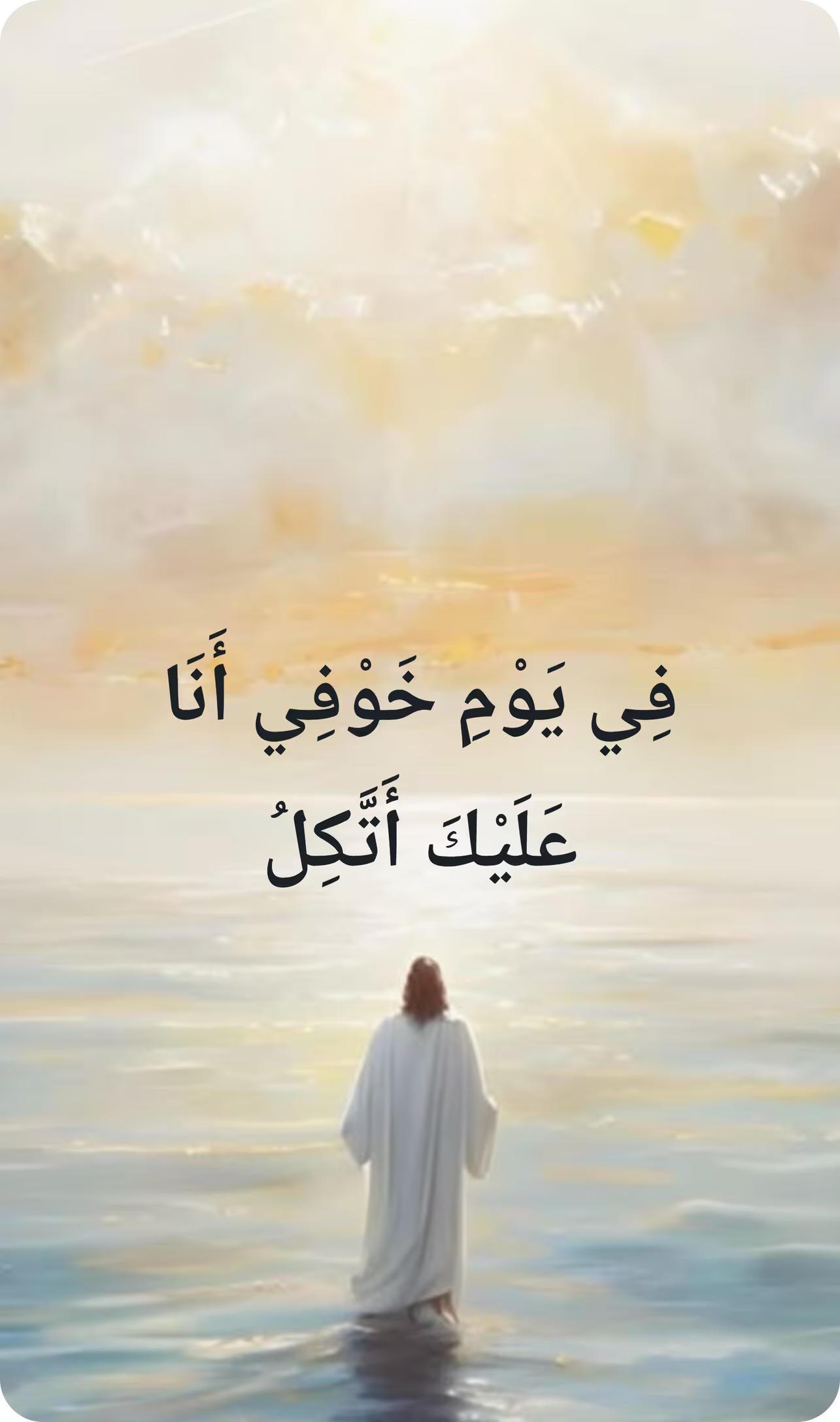
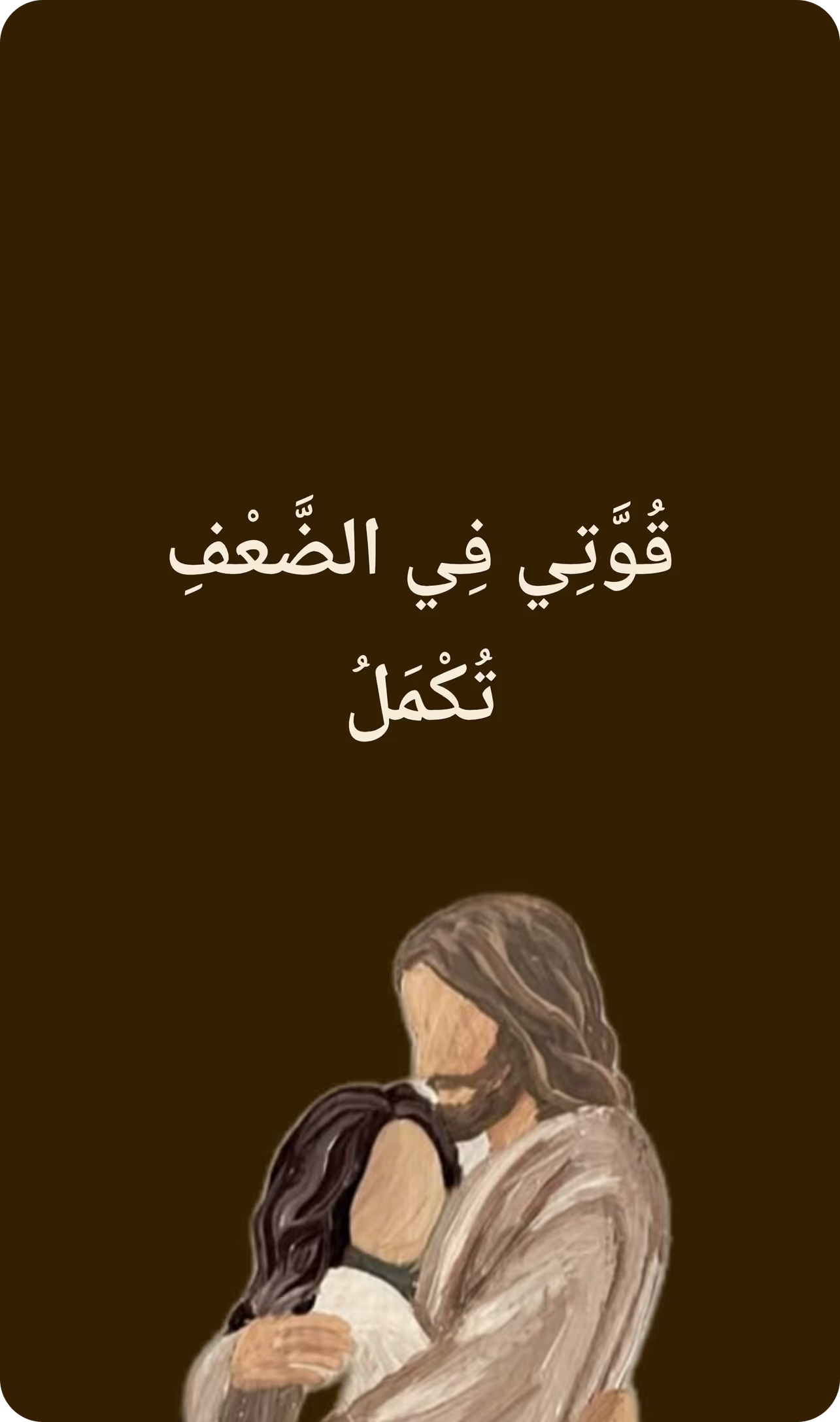
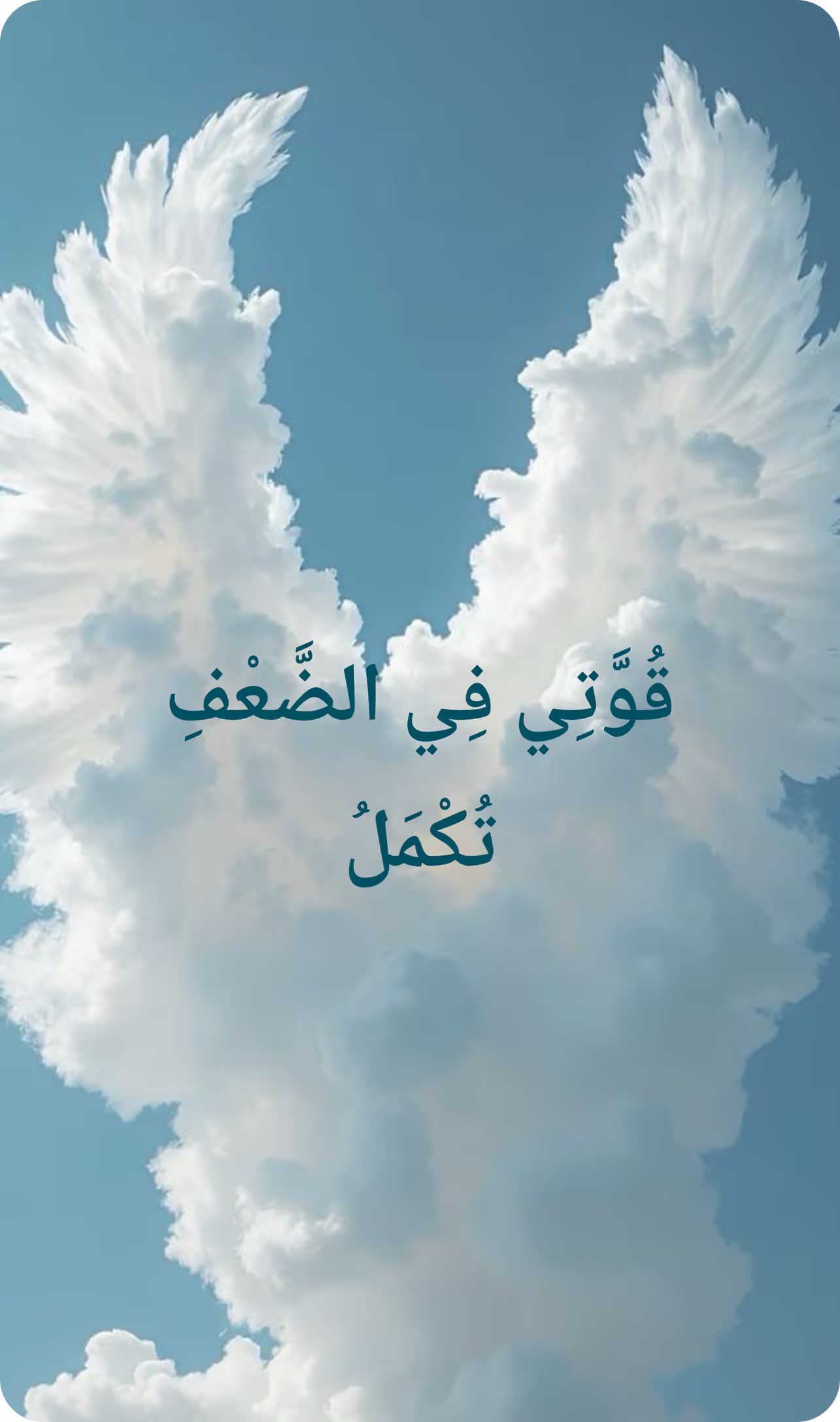
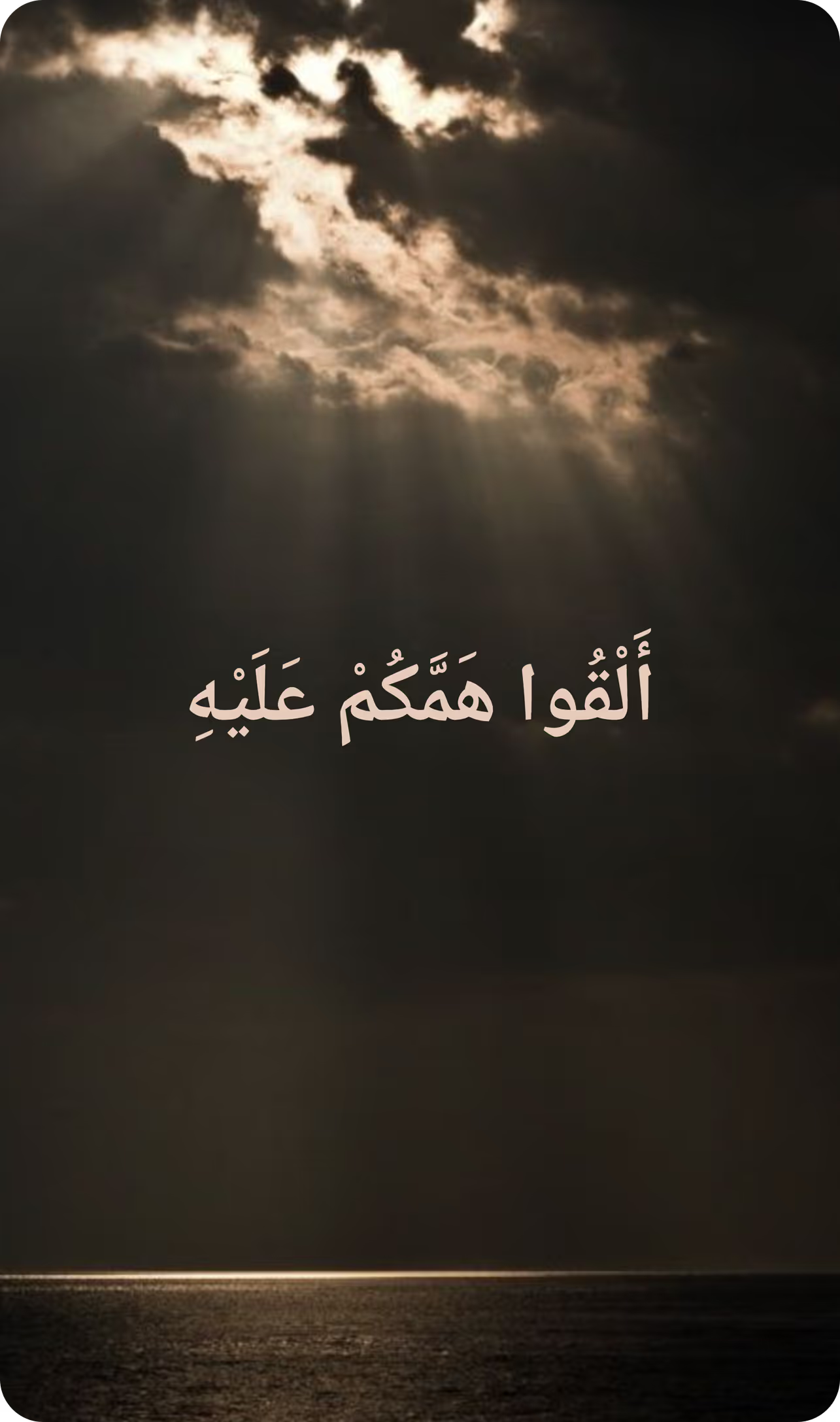
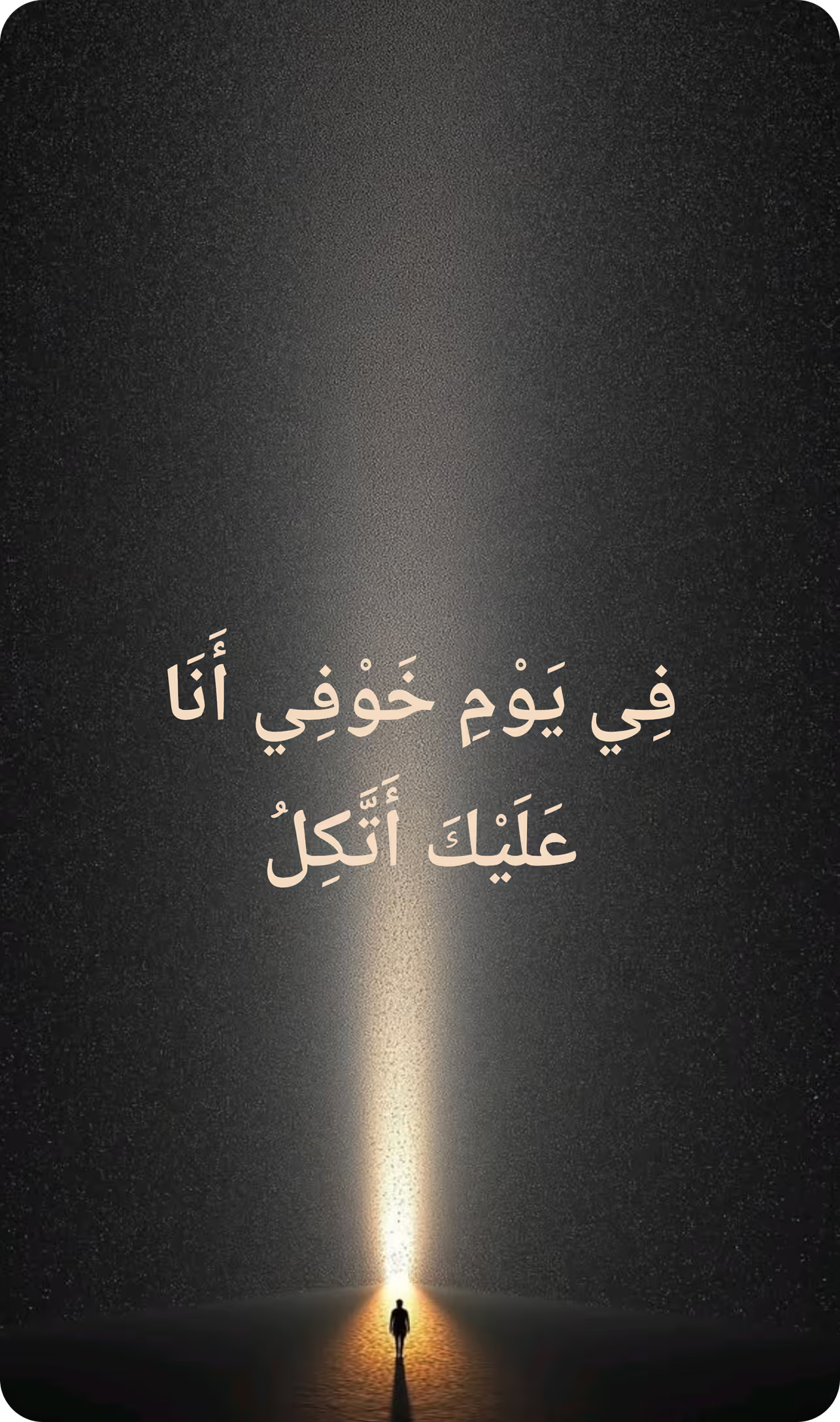
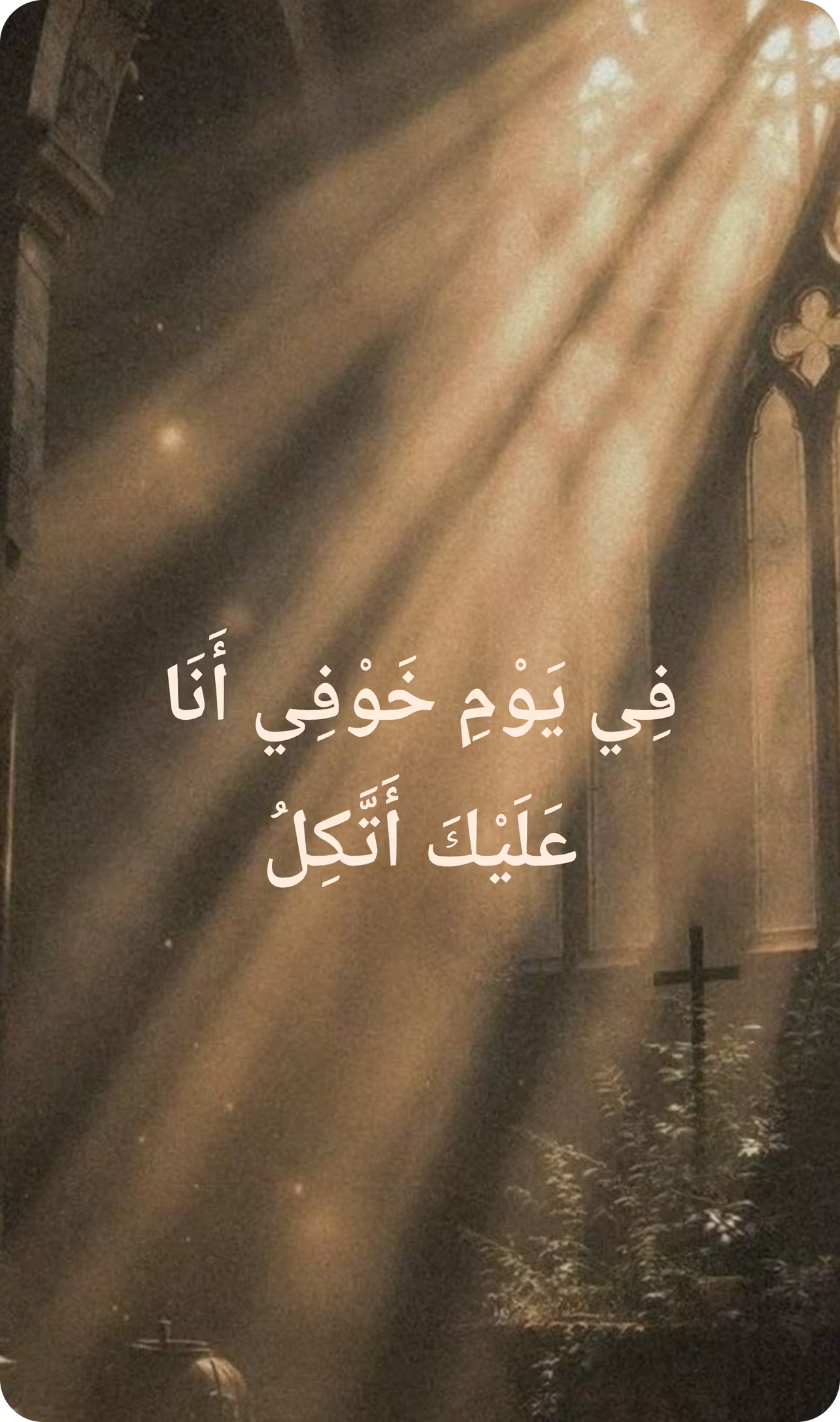
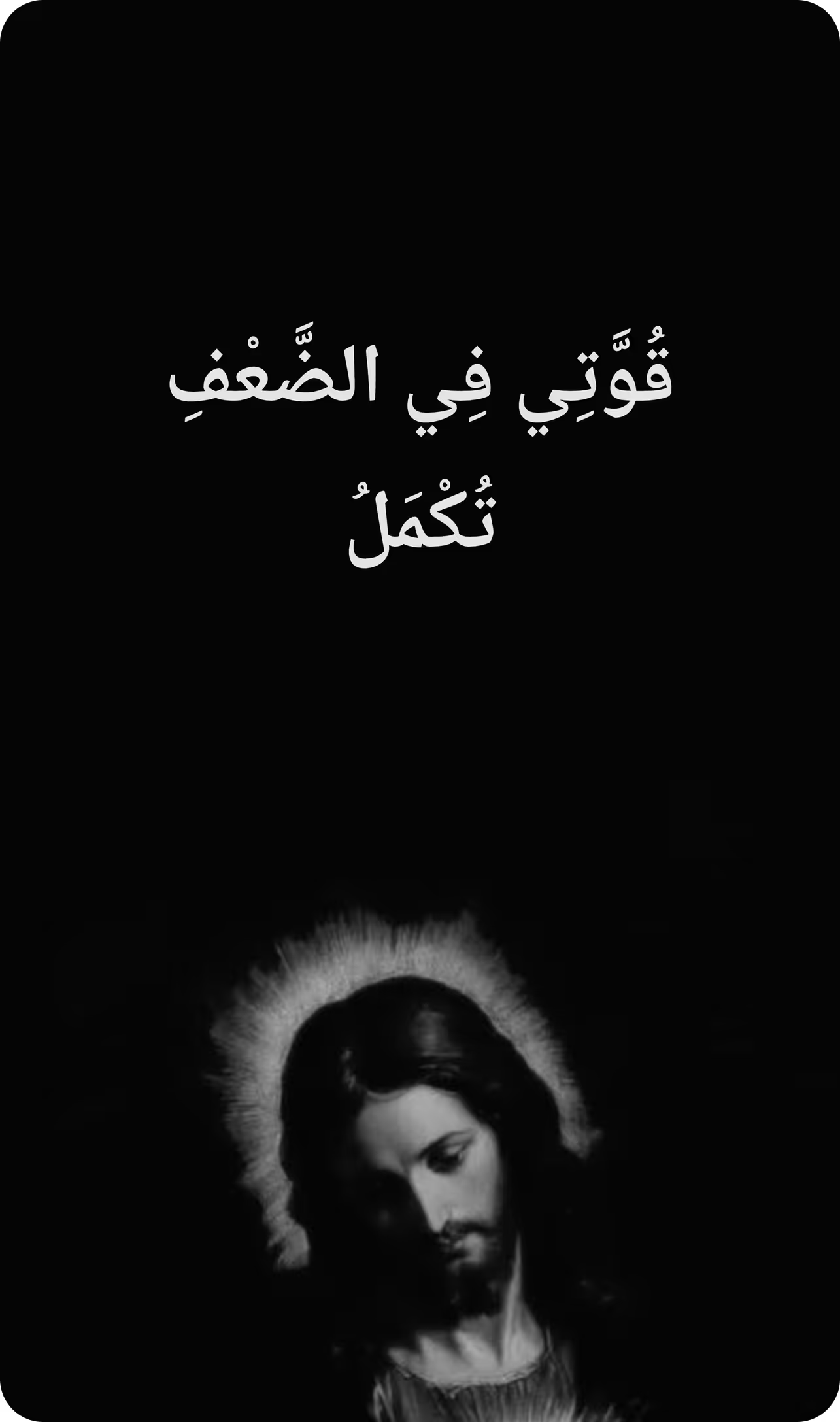
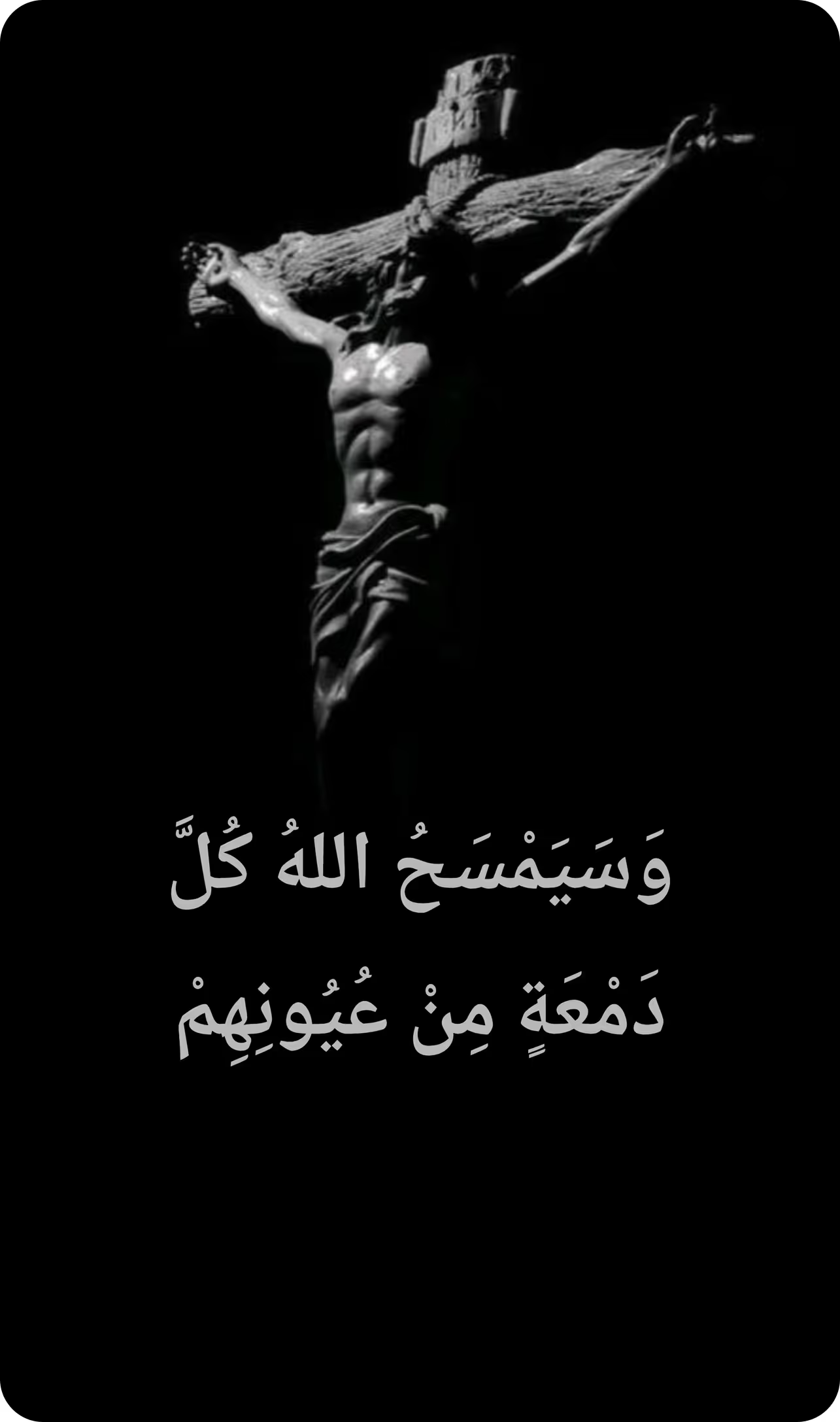
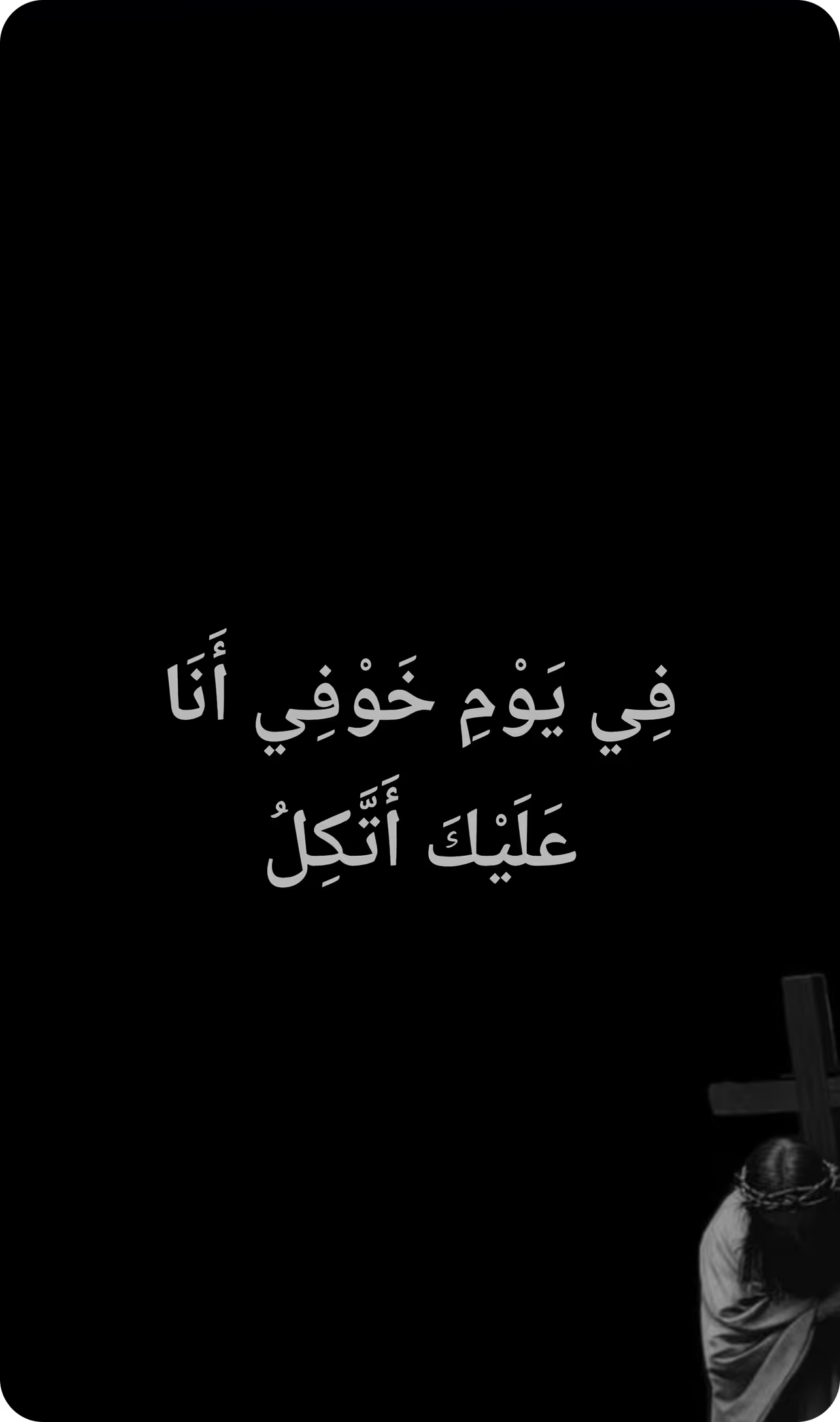
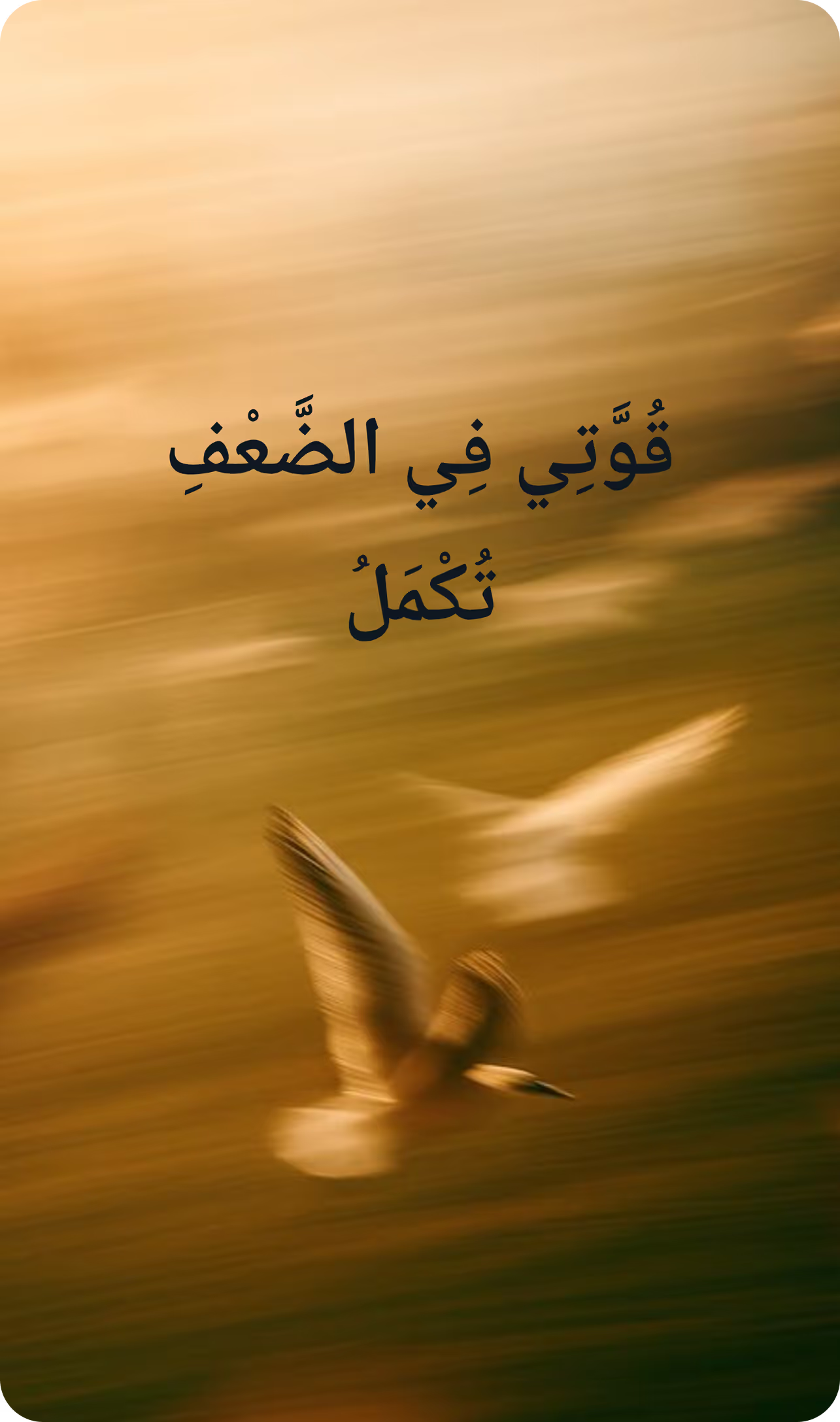
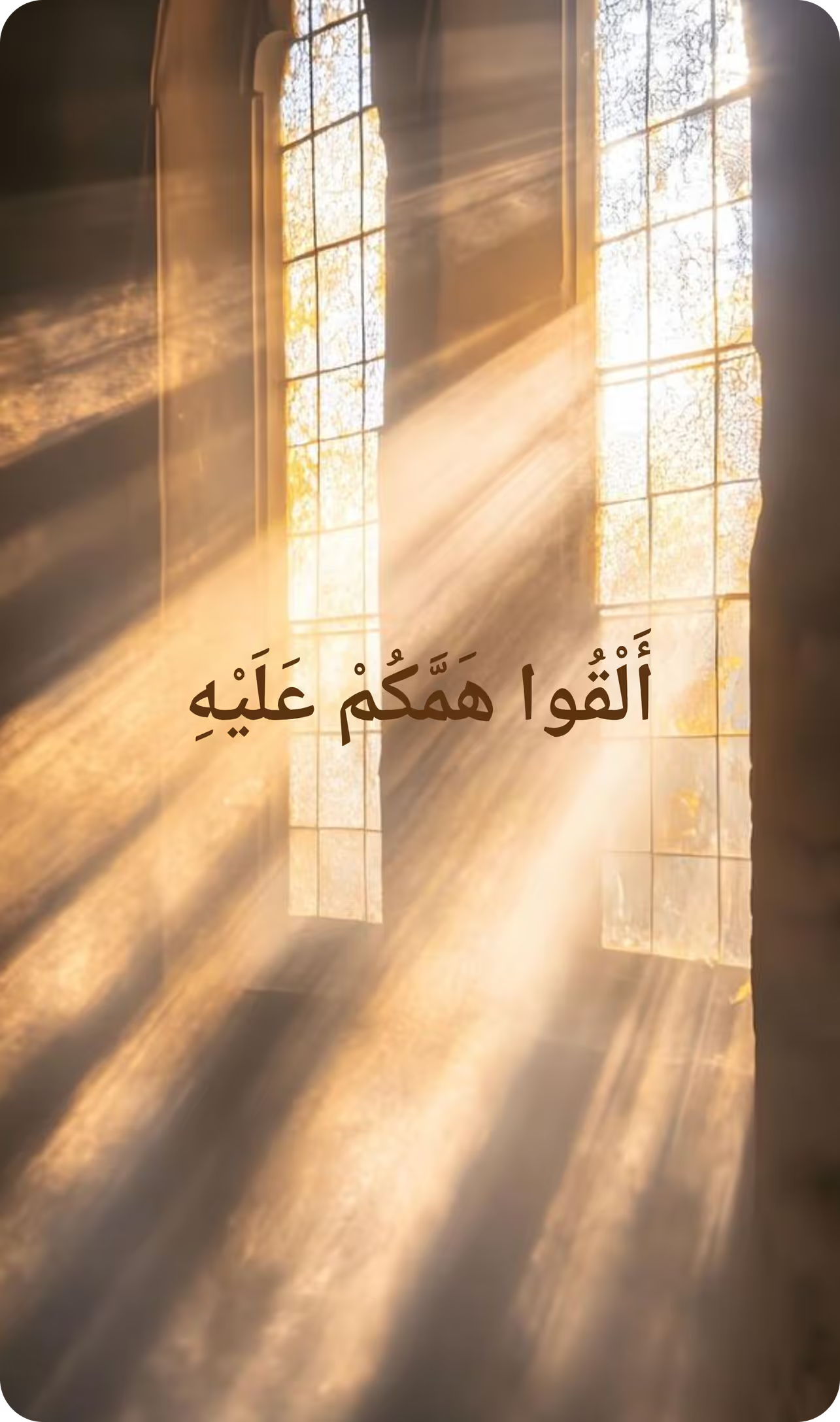
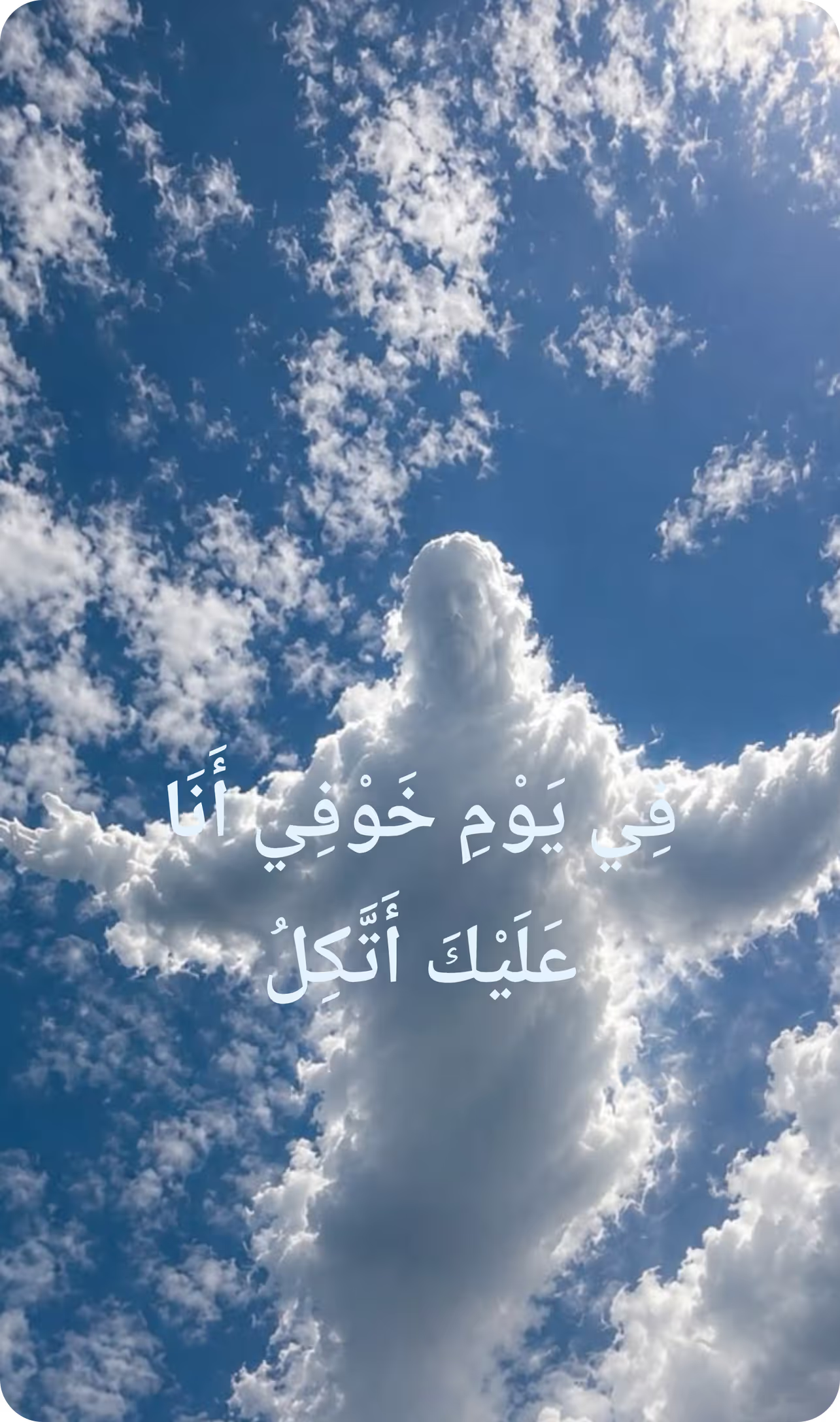
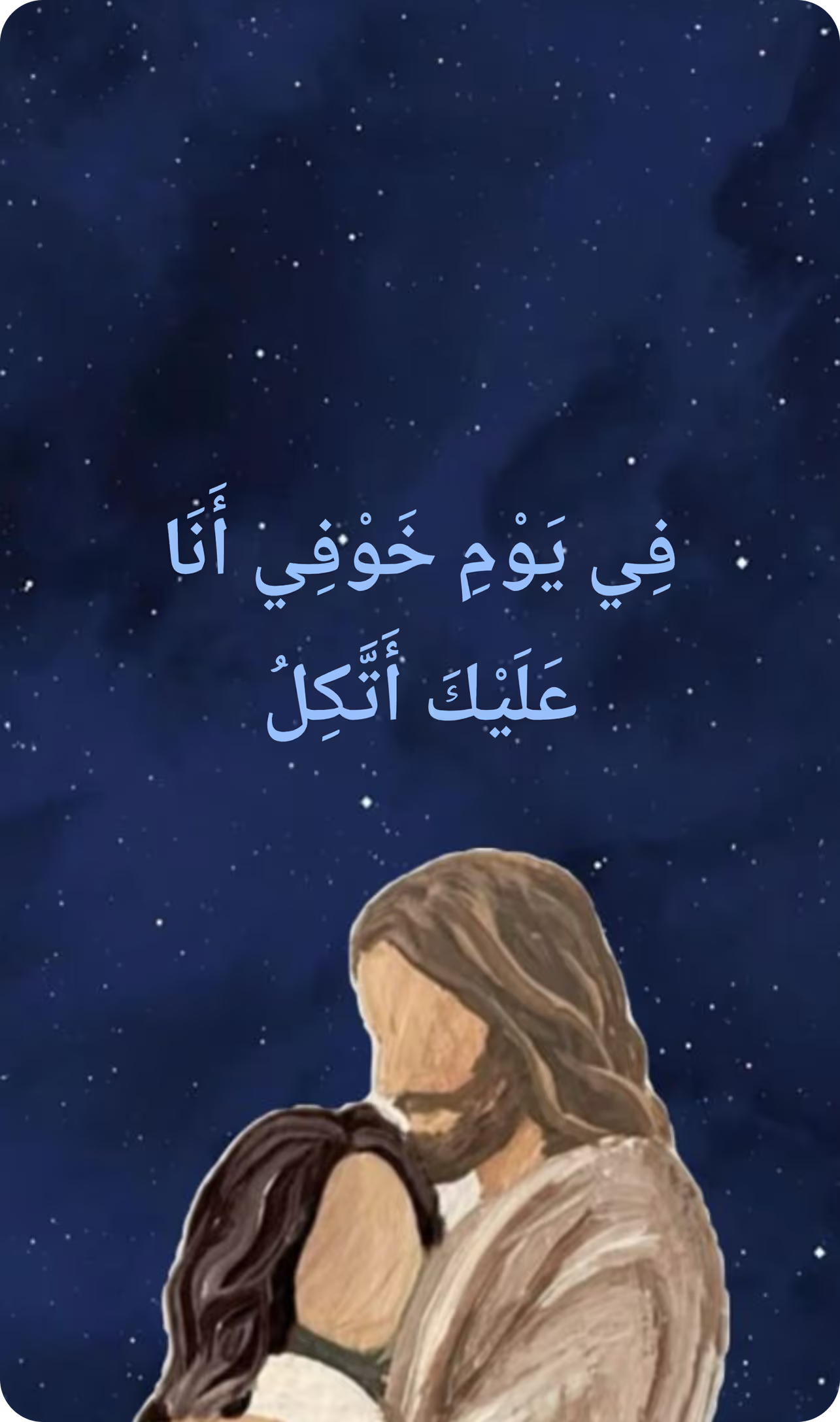
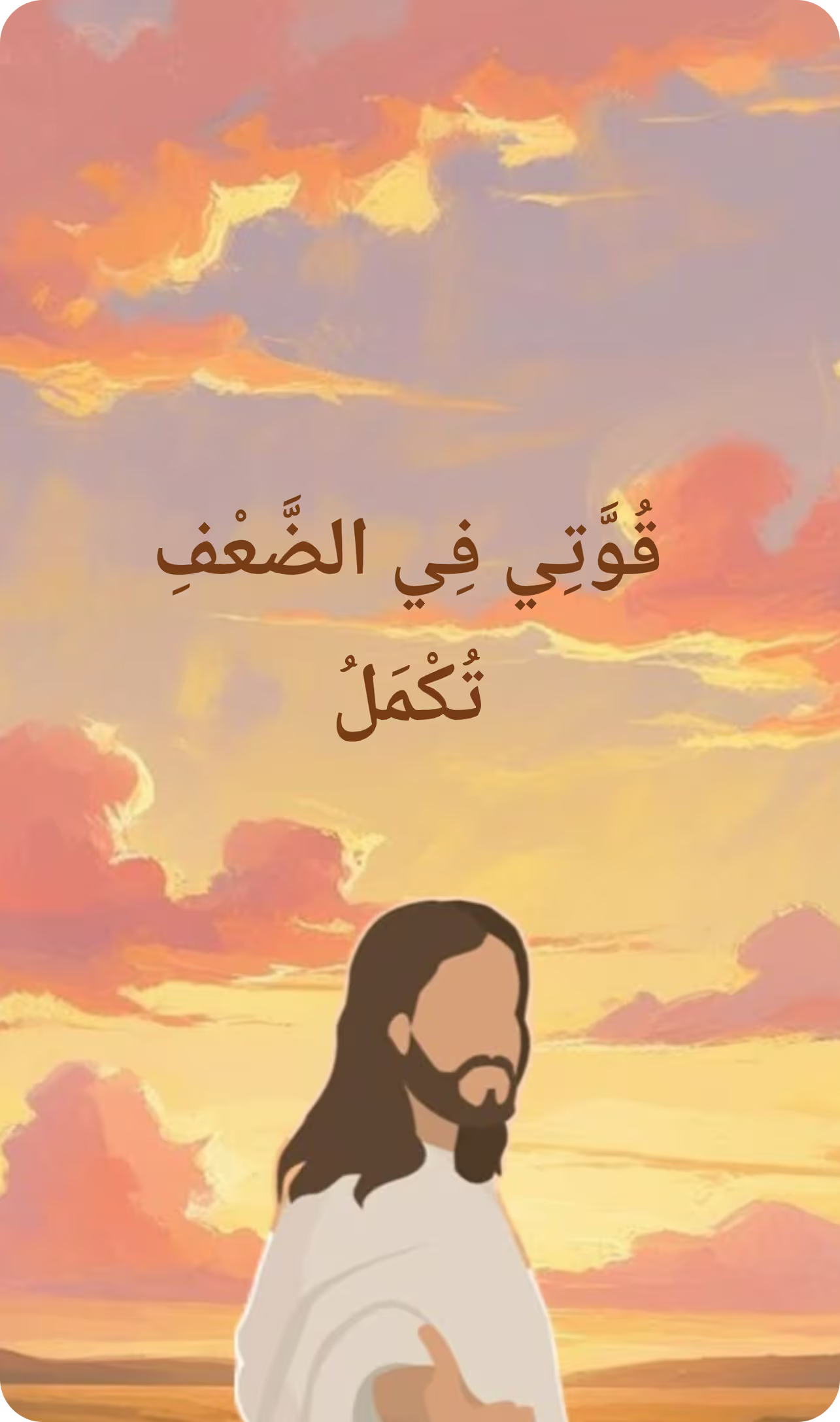
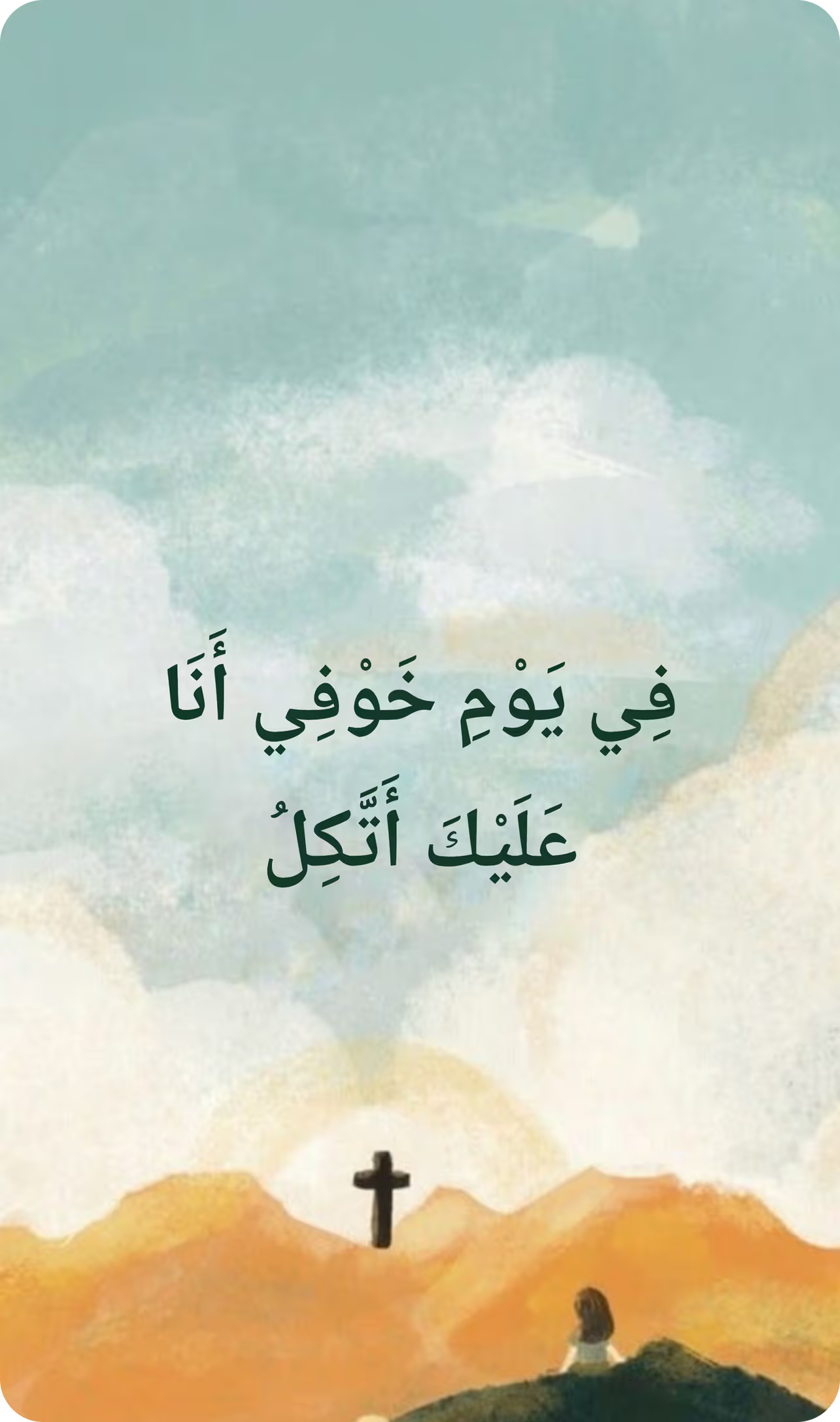
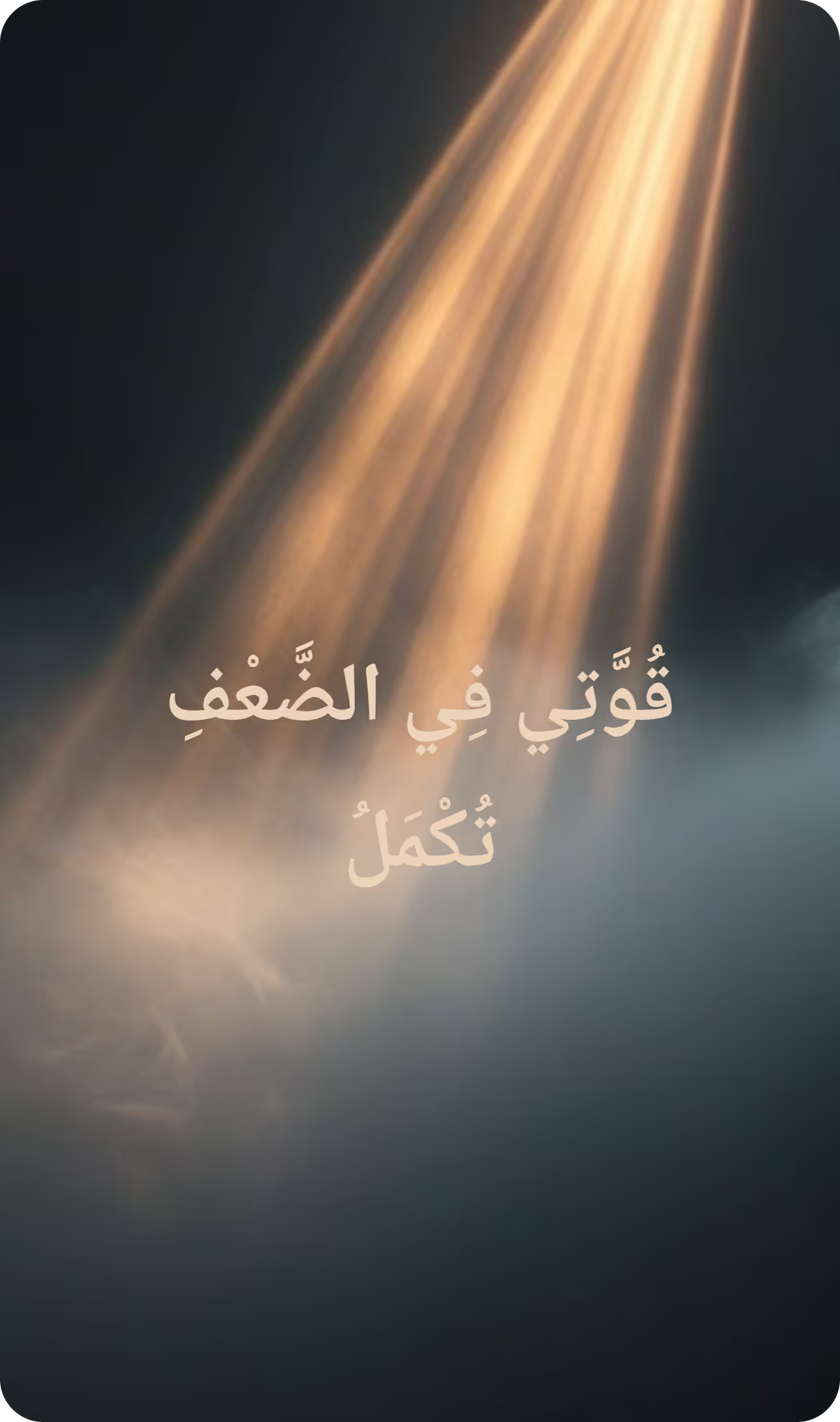
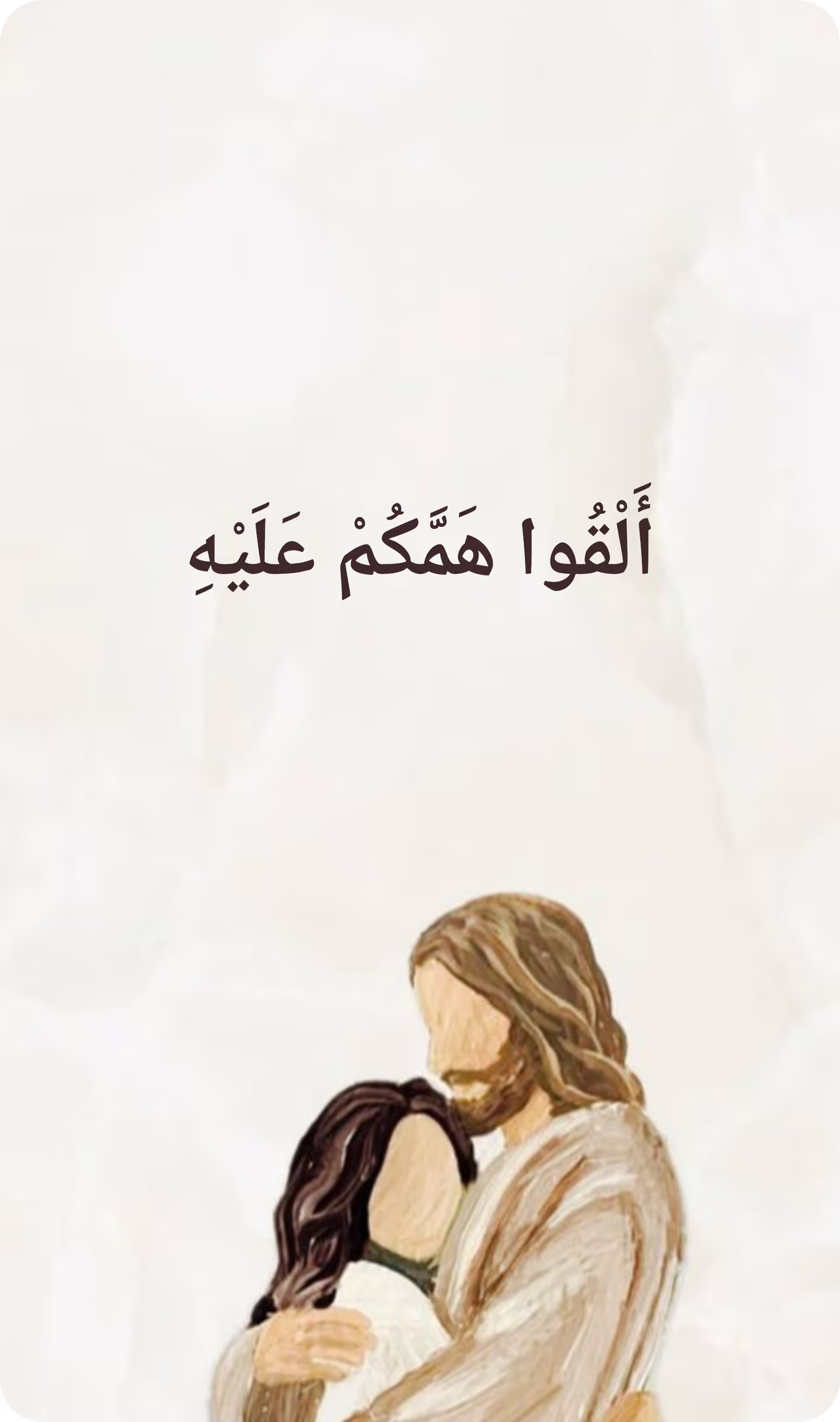
Lock Screen
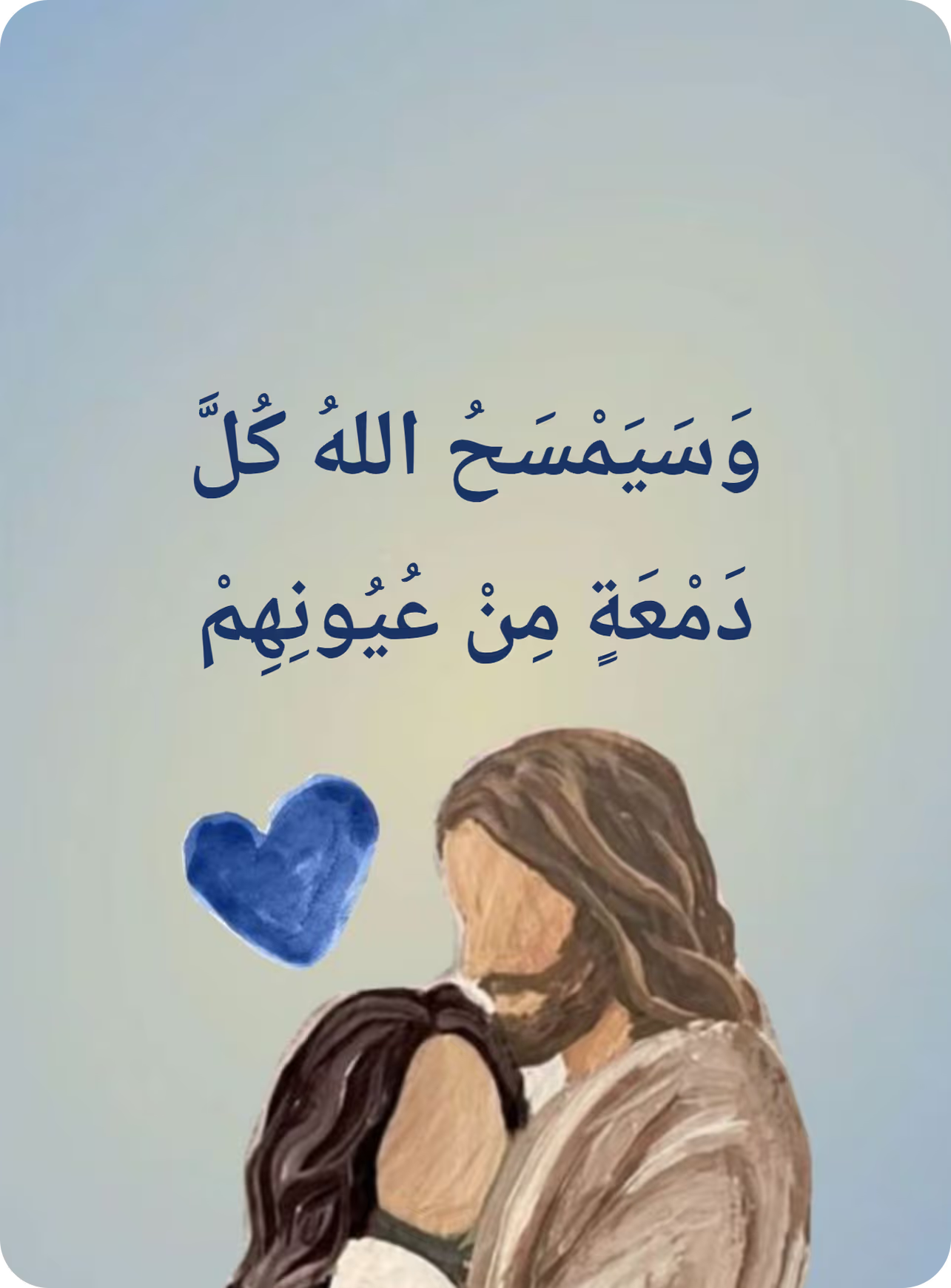
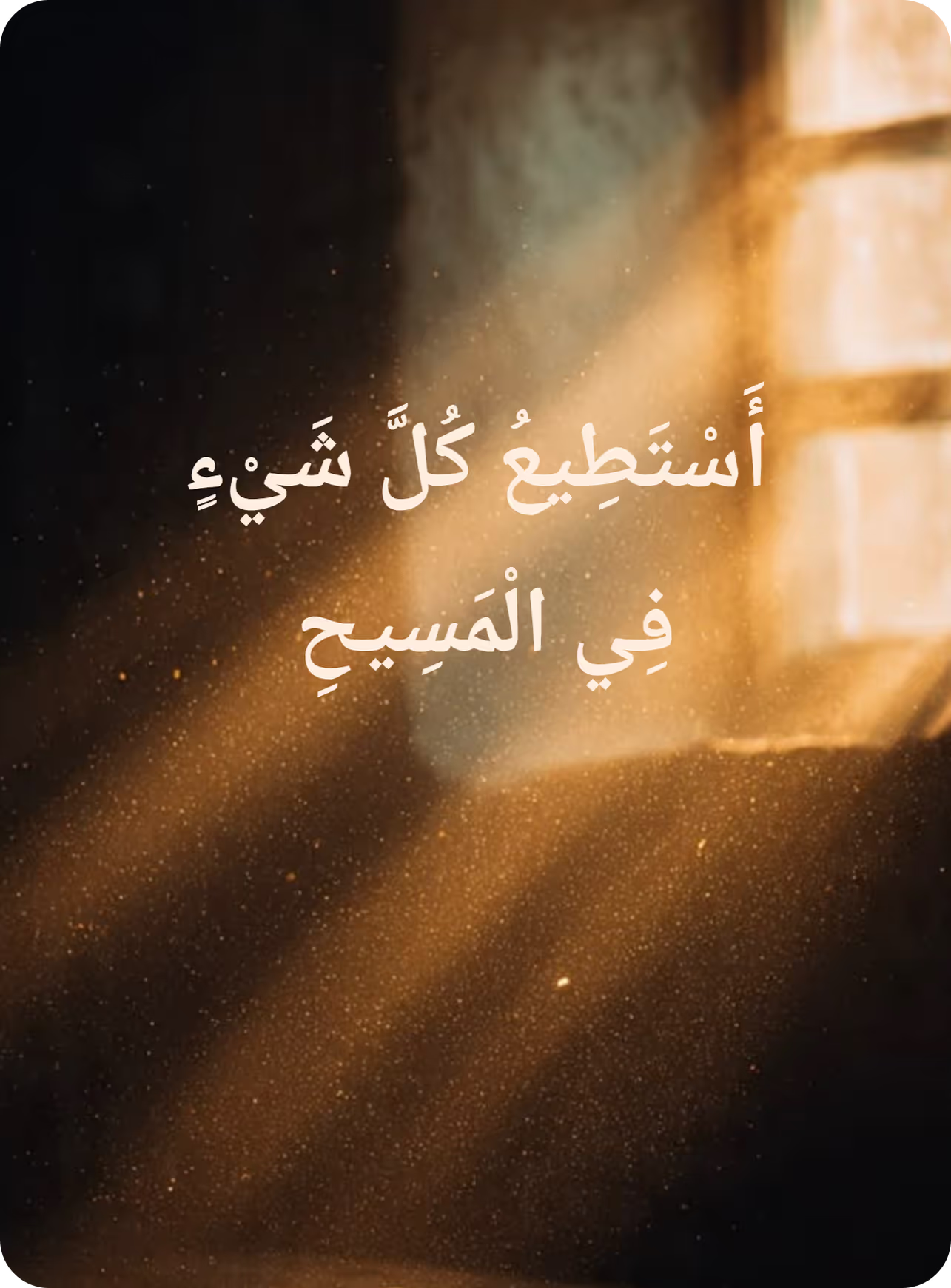
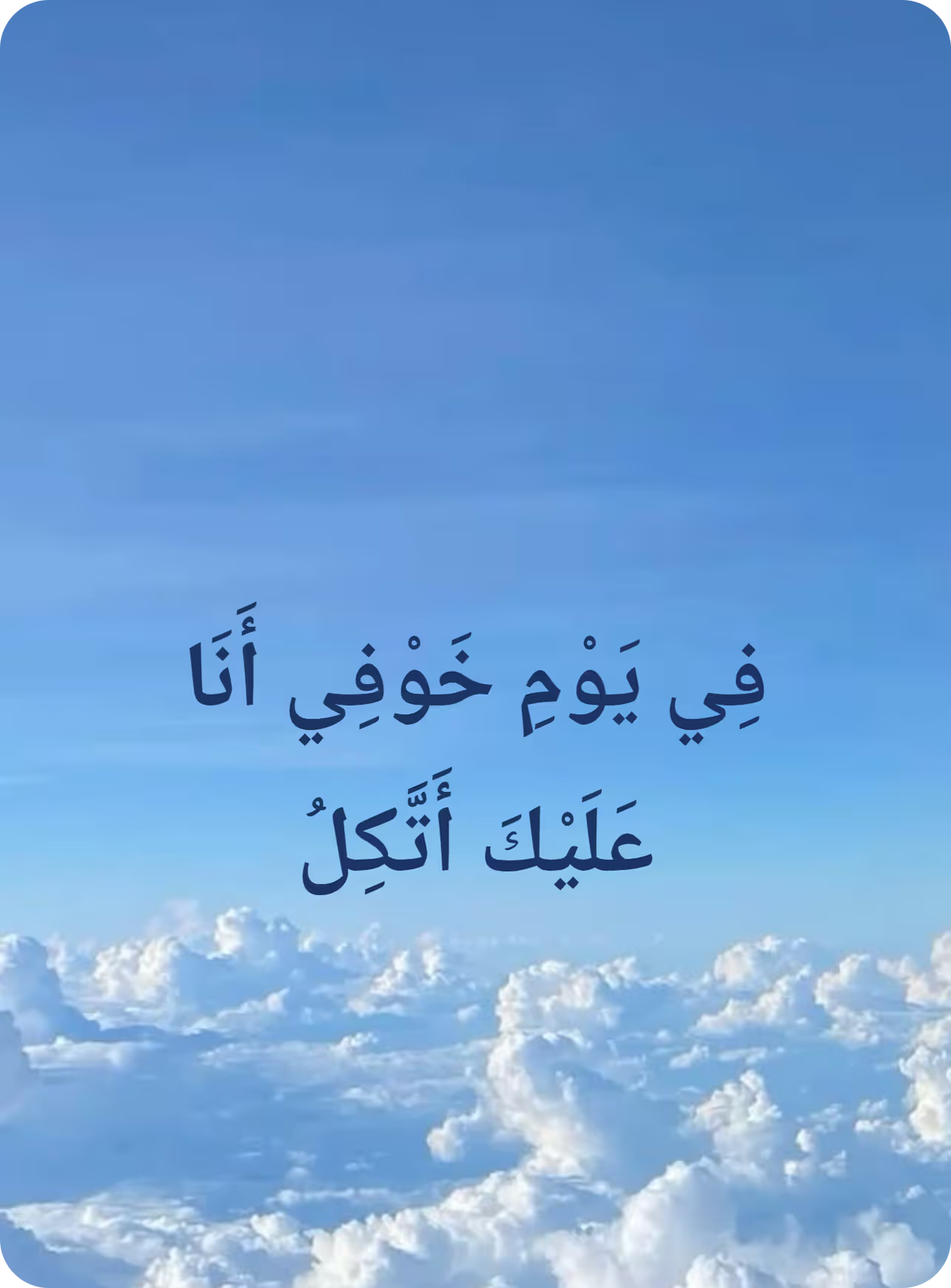
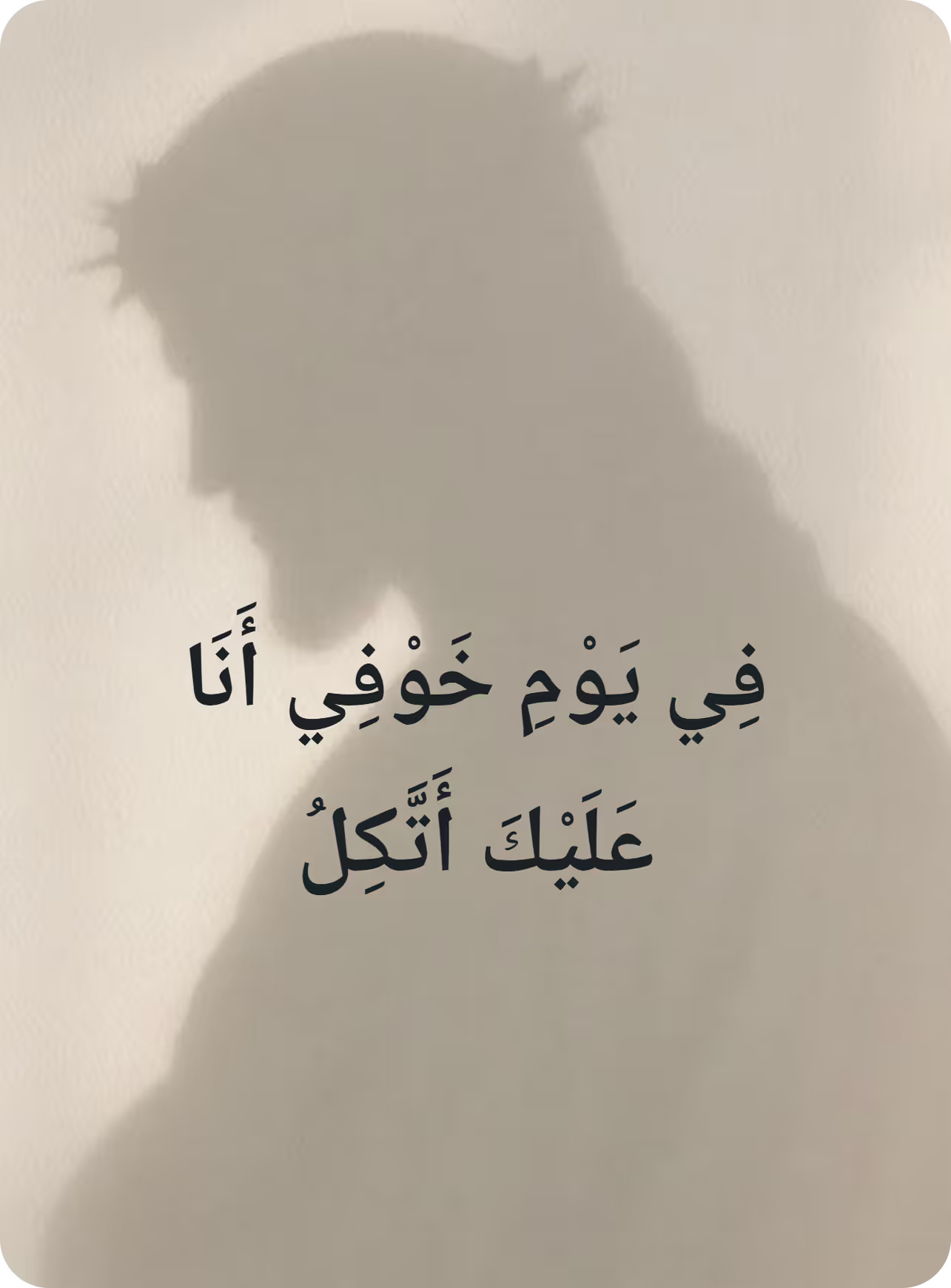

Scan this to get
Bishara on your phone
Christian quotes and Bible verses. Read Christian content that deepens your faith. Experience the power of scripture, practice affirmations that bring you closer to God, and read quotes from famous Christian authors and thinkers.
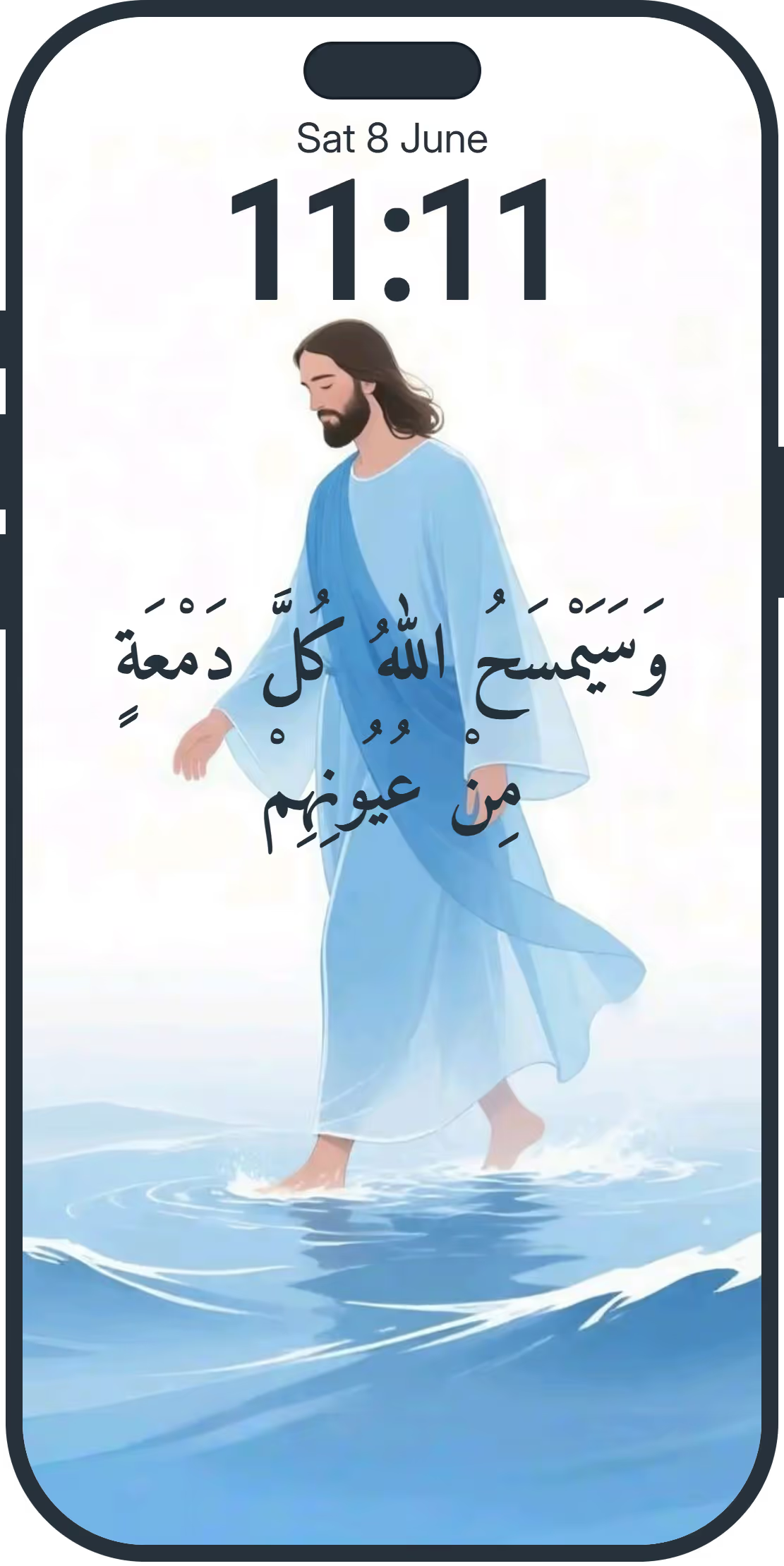
Make your phone point you back to God
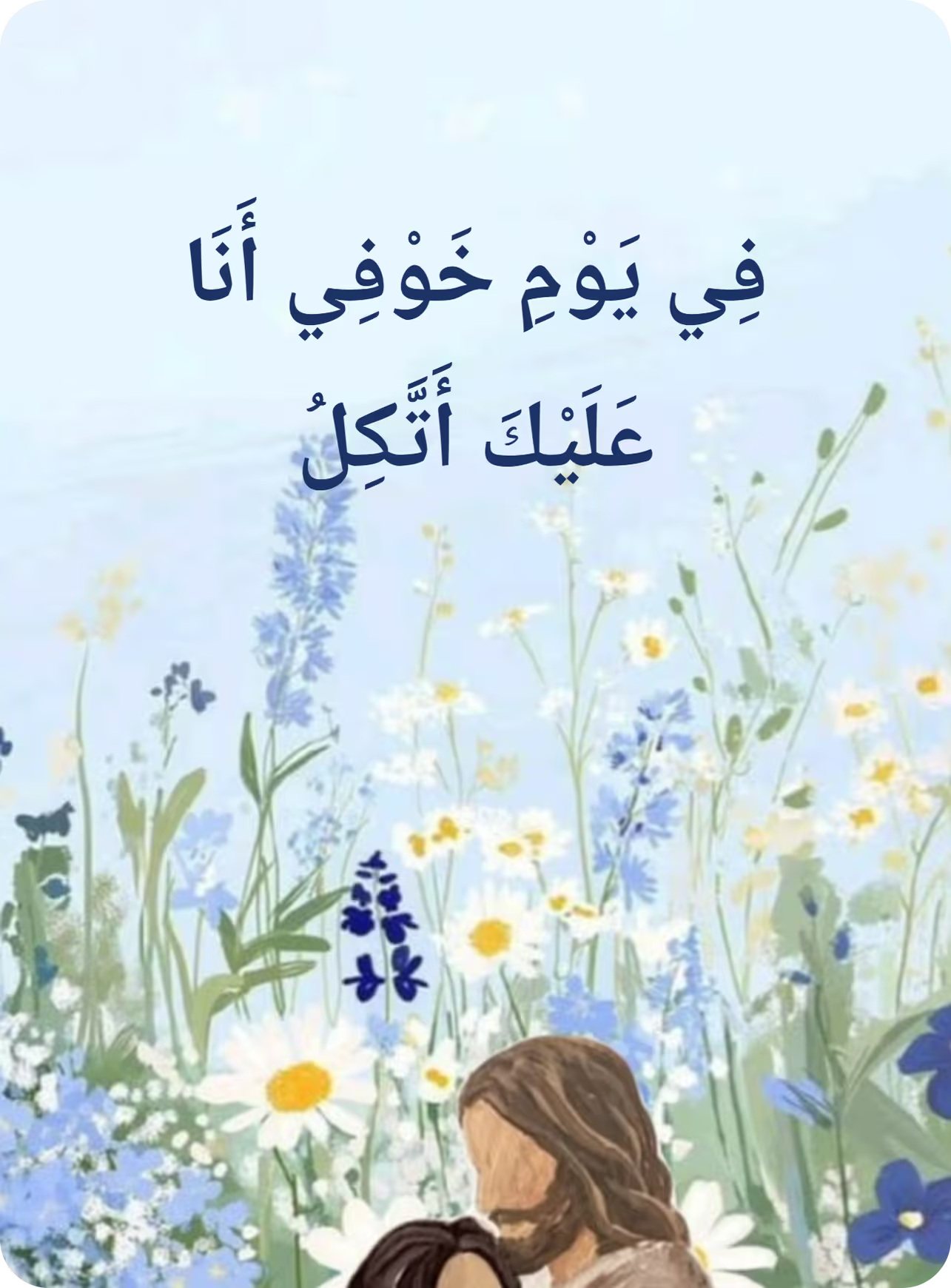
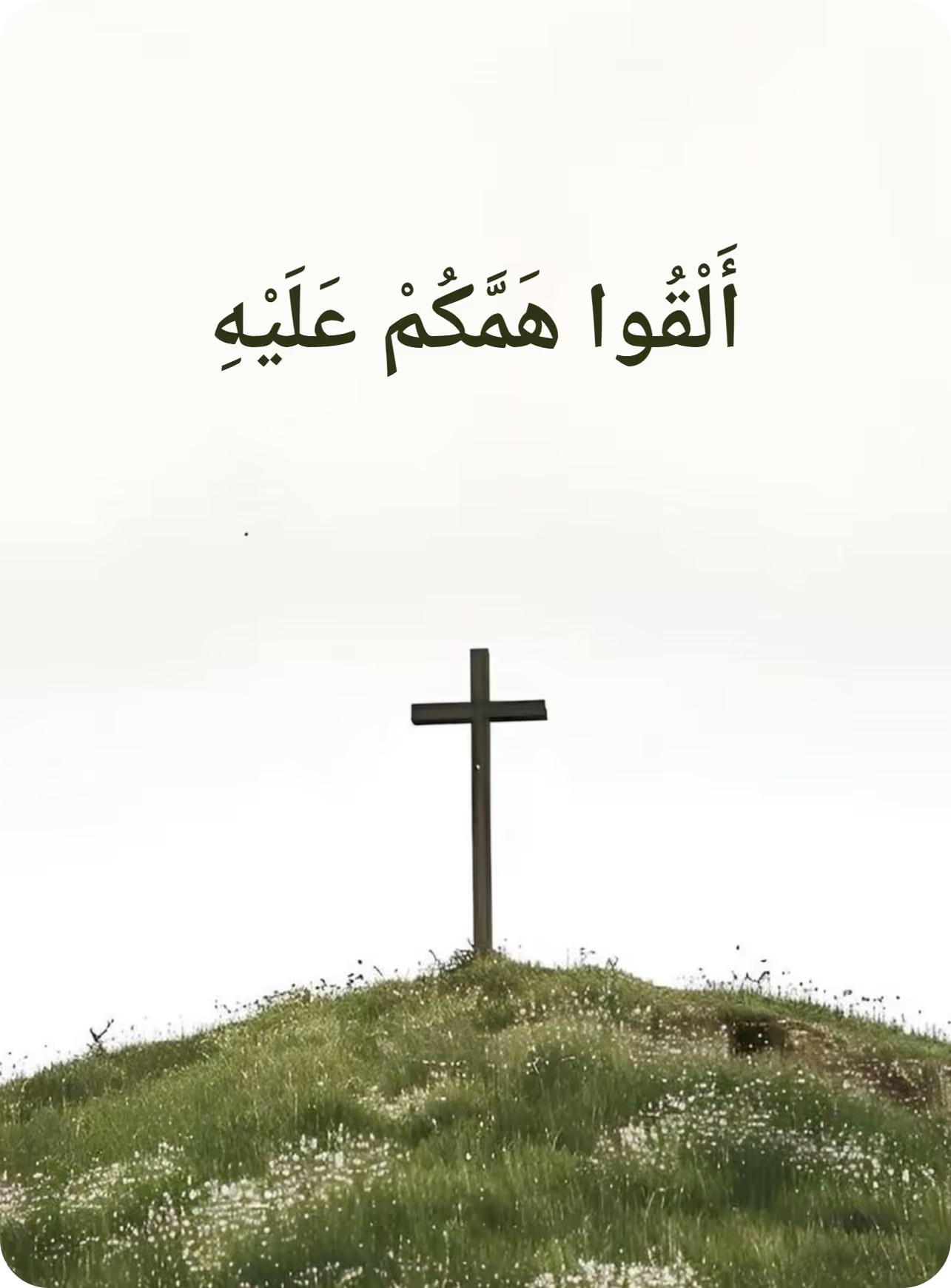
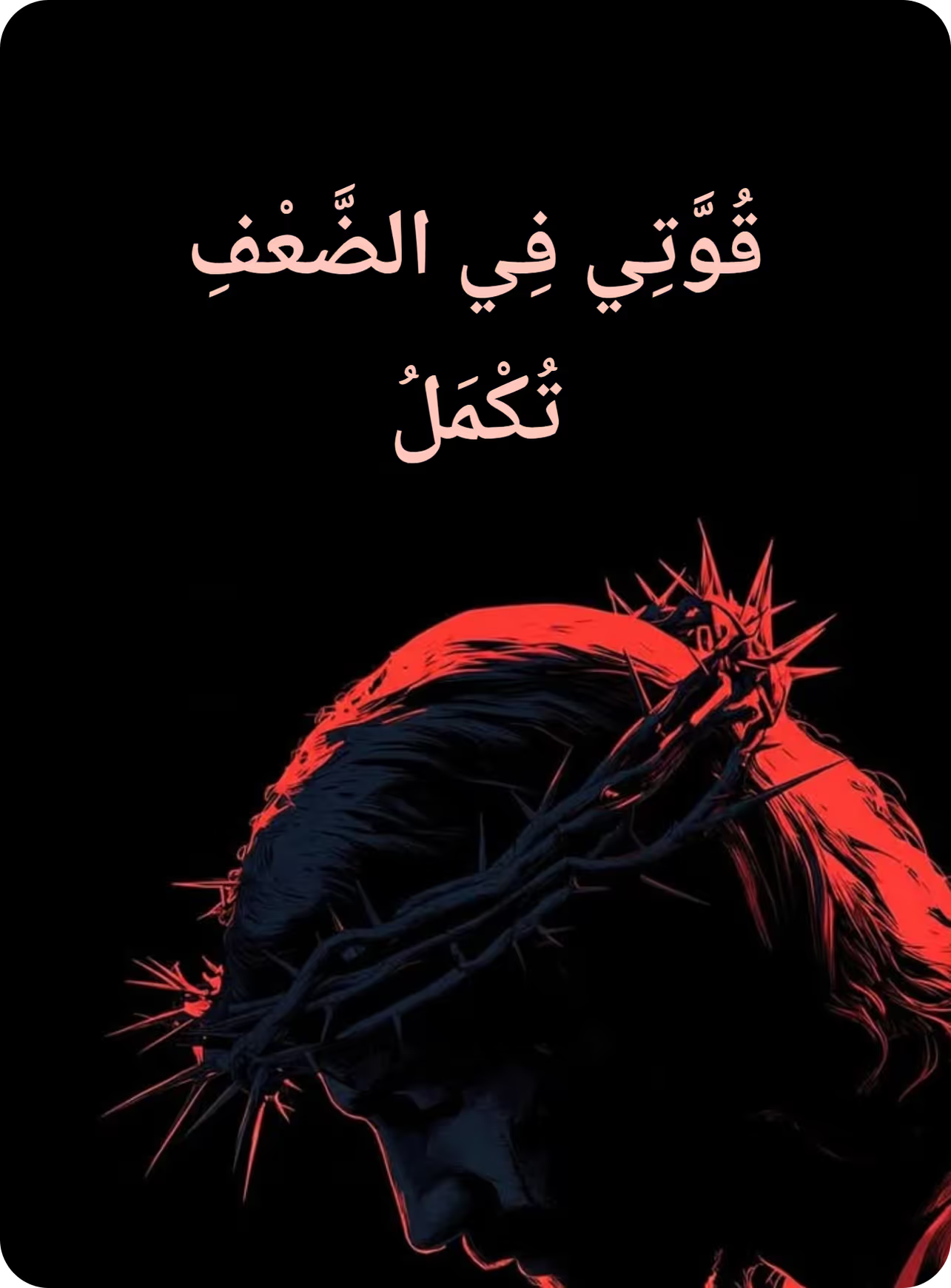
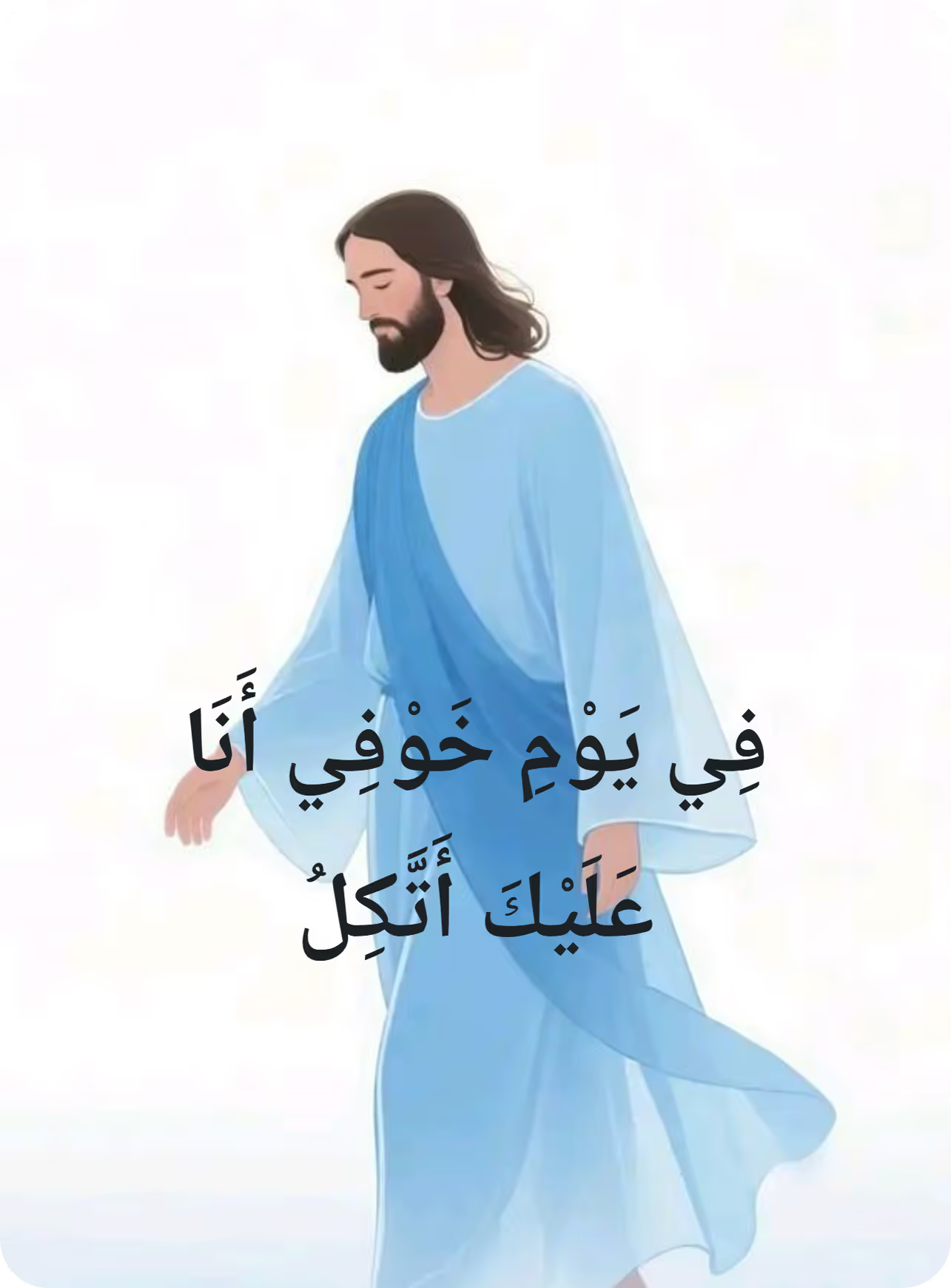
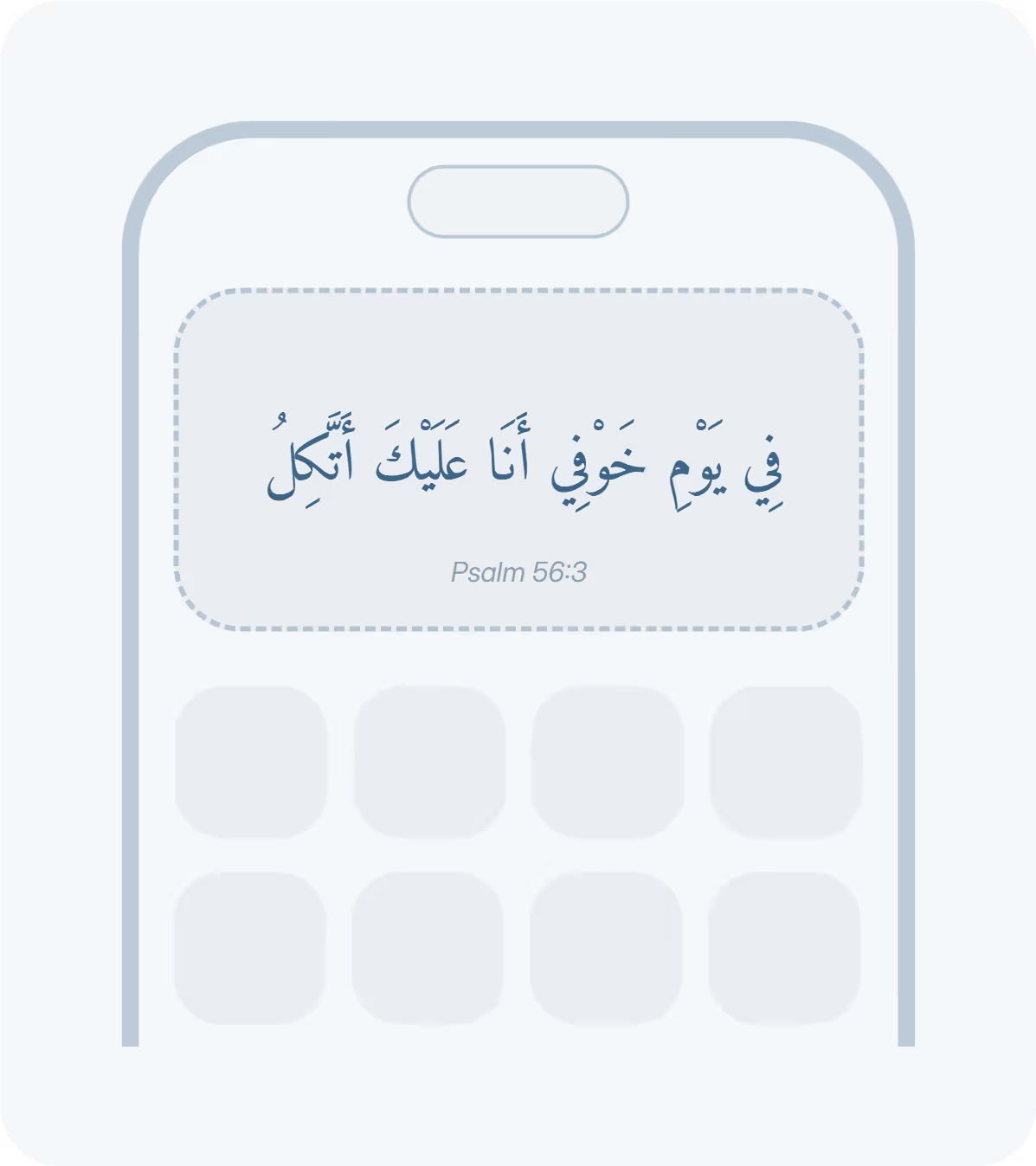
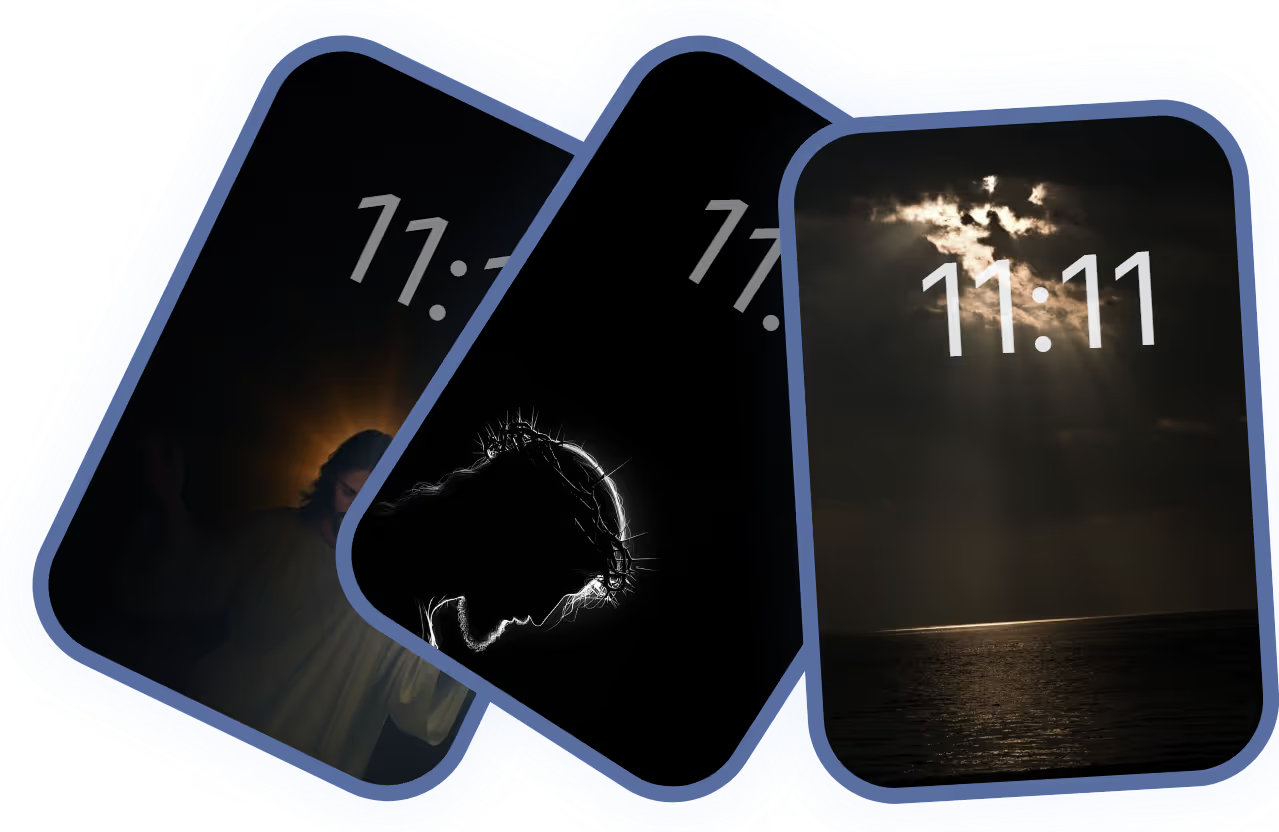
One verse, and as many different ways to meet it. Change the ground behind it and the Arabic face it is set in to suit your mood, your style, your aesthetic — and it follows you everywhere, down to your app icon.
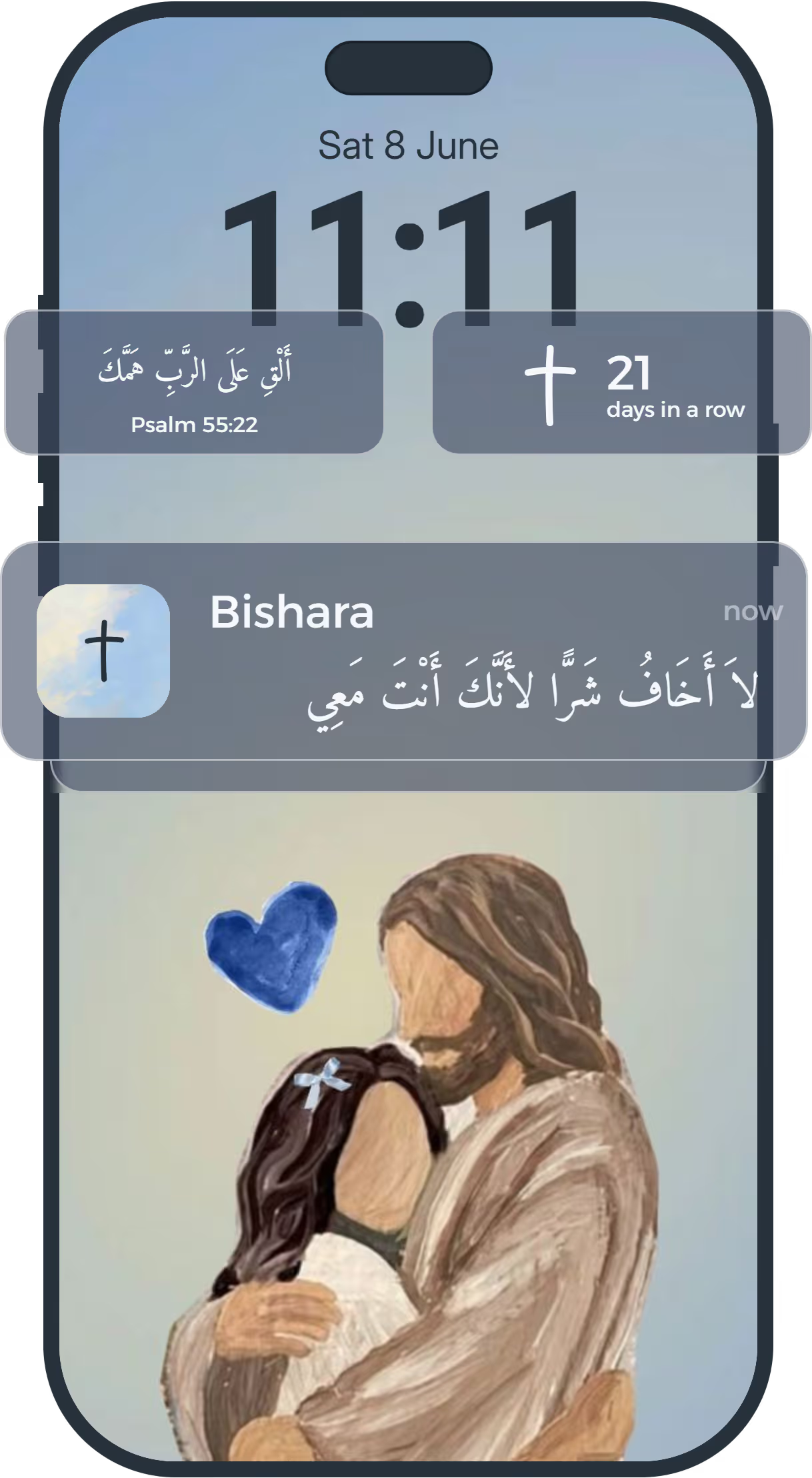
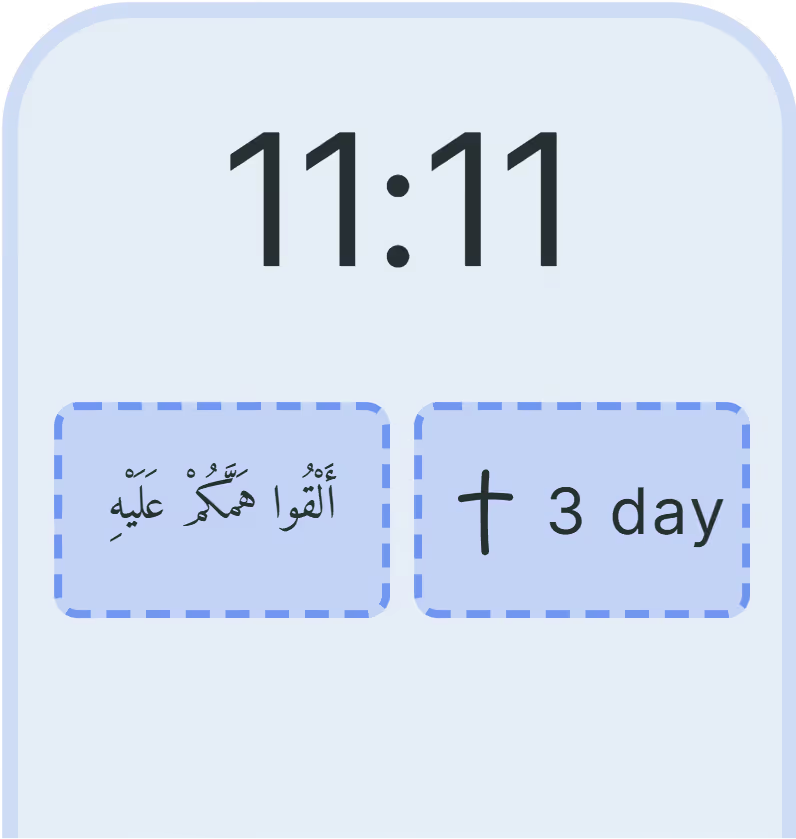
Under the clock, before you unlock.
Among your apps, in any size.

At the hours you choose.
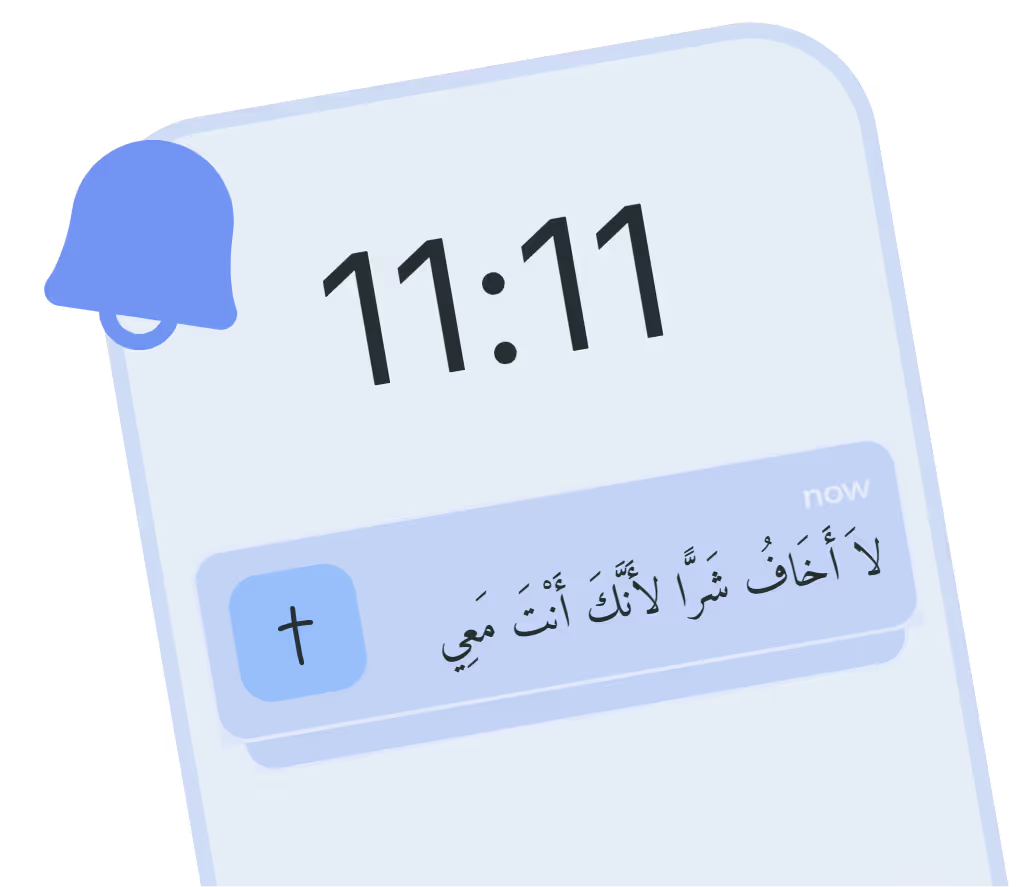
The ones you want to come back to.
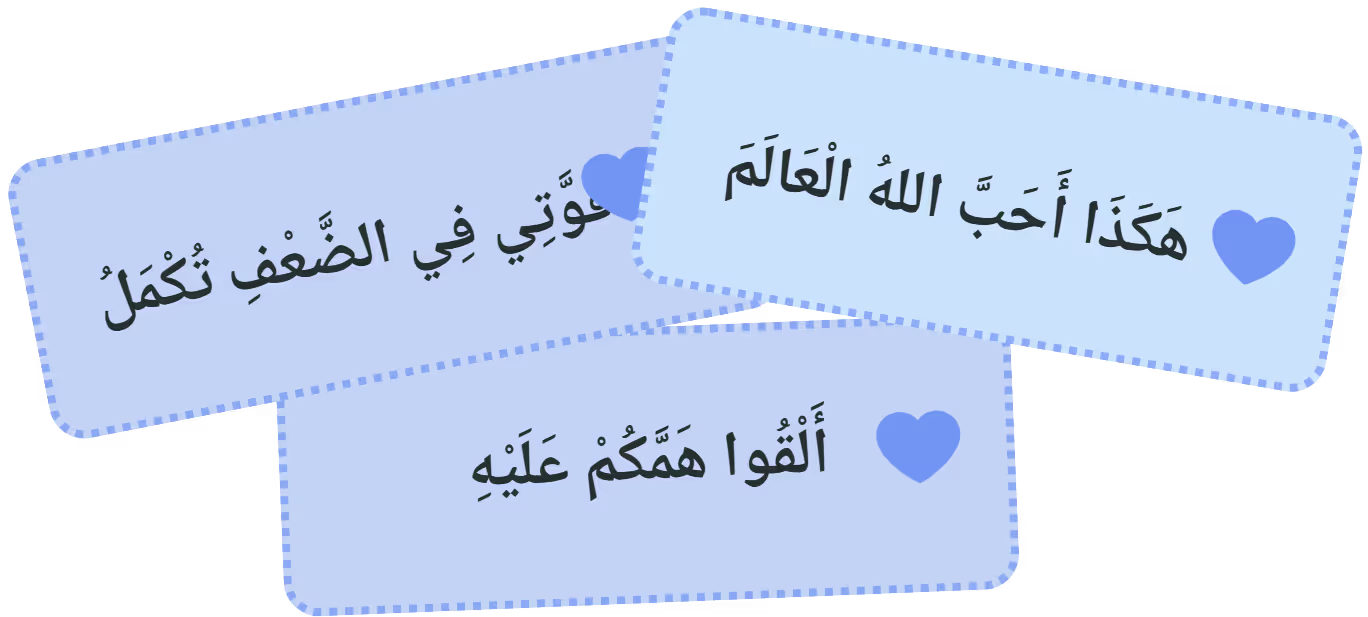
God’s word, always in front of you.
The verse behind everything else.
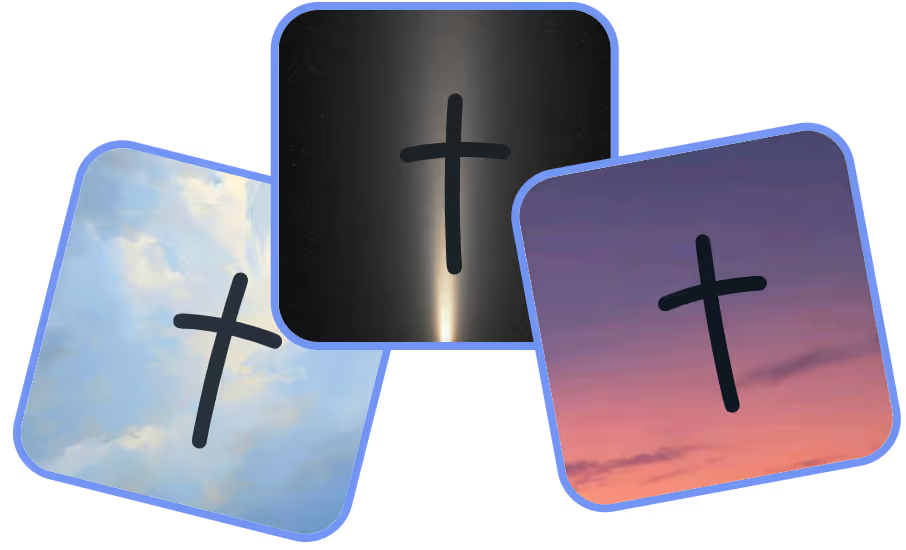
Nine to choose from, all yours.
أَسْتَطِيعُ كُلَّ شَيْءٍ فِي الْمَسِيحِ الَّذِي يُقَوِّينِي فِي يَوْمِ خَوْفِي أَنَا عَلَيْكَ أَتَّكِلُ Free
Every verse, prayer and reflection.
No account
Open it and read.
No ads
No banners, no pop-ups, no interruptions.
Works offline
Anywhere you are, grow closer to God
The short answers. The support page has the longer ones.
Yes, and not the kind of free that runs out. Bishara is free to download, and every Bible verse, prayer, reflection and quote in it is free to read — for good, not for a trial. Widgets on your Lock Screen and Home Screen, wallpapers, daily reminders and all nine app icons come with it. There are no ads anywhere in the app and nothing to sign up for. An optional subscription is there for readers who want more from it, and nothing you need in order to read Scripture sits behind it.
Two, both in the public domain: the Van Dyck translation and the Jesuit translation of 1876–1880. Bishara starts you on whichever matches the church background you give at setup — Orthodox, Catholic, Protestant or none — and you can switch between them whenever you like.
No. Alongside Scripture there are Christian quotes from authors and thinkers, short affirmations to carry through the day, prayers and reflections. You choose the topics you want — hope, fear, gratitude, forgiveness — and what arrives is drawn from those.
On your iPhone Lock Screen under the clock, on your Home Screen beside your apps, and as gentle notifications during the hours you choose. Place as many widgets as you like on both screens — the app puts no limit on how many you keep.
Yes. Choose the photograph or the colour behind the verse, the Arabic face it is set in, and the icon Bishara wears on your Home Screen. The same choices reach your widget, your wallpaper and the app itself, so Scripture sits on your phone looking like it belongs there rather than like something bolted on.
There is nothing to sign up for and nothing to log in to. Open the app and read. Your favourites, your topics and your themes stay on your iPhone — see the privacy policy for exactly what does and does not leave it.
Yes. The whole library ships inside the app, so a flight, a basement or a bad signal changes nothing. Verses keep arriving on your Lock Screen offline.
The Scripture is Arabic. The app around it is in English, so that reading a verse in the language you grew up with does not mean navigating menus in a language you may read more slowly.
Not yet — Bishara is on iPhone only today. It needs iOS 17 or later for the Lock Screen widgets.
Deepen your faith and grow closer to God
Scan this to get
Bishara on your phone